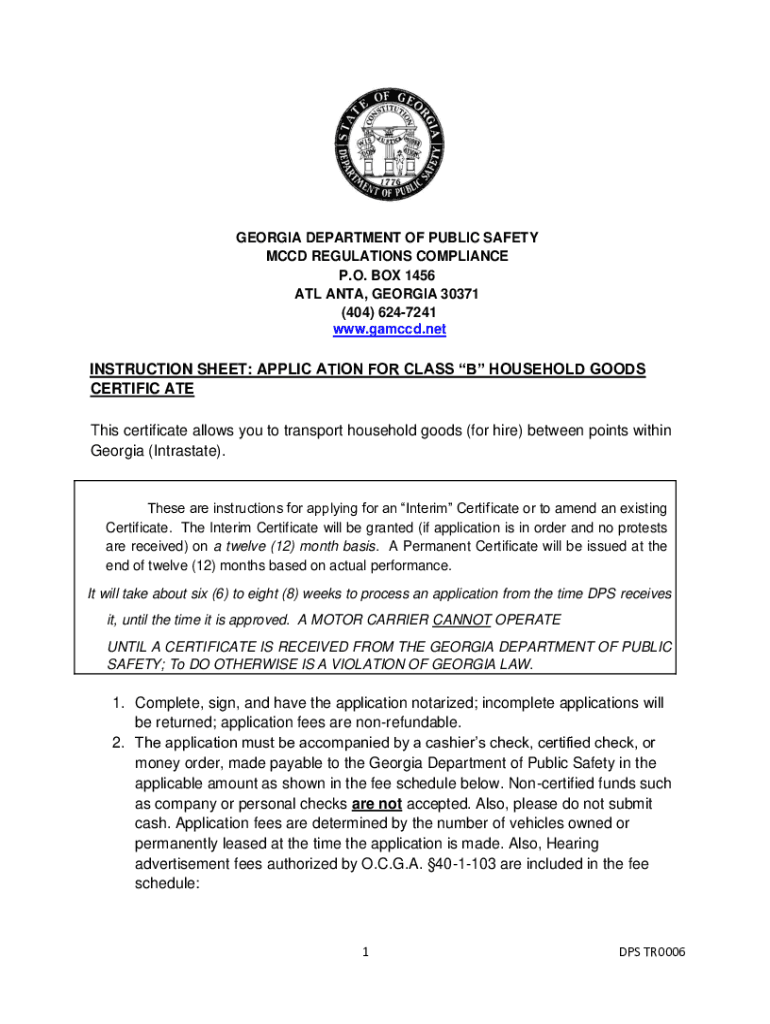
GEORGIA DEPARTMENT OF PUBLIC SAFETY MCCD REGULATIONS COMPLIANCE P.O. BOX 1456 ATL ANTA, GEORGIA 30371 (404) 6247241 www.gamccd.netINSTRUCTION SHEET: APPLIC ATION FOR CLASS B HOUSEHOLD GOODS CERTIFIC.
Loading

Open form follow the instructions

Easily sign the form with your finger

Send filled & signed form or save
How to fill out the GA DPS TR0006 online
This guide provides essential instructions on filling out the GA DPS TR0006 form online. It aims to support users, regardless of their prior experience, in submitting their application for a Class 'B' Household Goods Certificate with confidence.
Follow the steps to successfully complete your application.
- Click the ‘Get Form’ button to obtain the form and open it in your browser.
- Fill out the applicant's legal name and carrier name section. Ensure the information provided is accurate and reflects your business details.
- Enter your USDOT or GA DOT number along with your business address, including city, county, state, and zip code.
- Provide your email address and phone numbers for communication purposes. Ensure these are valid and up-to-date.
- Indicate your citizenship status by selecting ‘Yes’ or ‘No’. If ‘No’, be prepared to submit supporting federal documentation.
- Complete the applicant representative's information. If you are representing yourself, write your name and address here.
- In Section One, specify your organization type (individual, corporation, partnership, or LLC) and provide relevant details as required.
- List the names and addresses of all officers if your application is for a corporation, and ensure all required documents are attached.
- Indicate the number of vehicles owned or permanently leased, specifying vehicle types and sizes as outlined on the form.
- Fill in Section Two regarding the proposed service, answering questions about your service readiness and confirming compliance with the DPS’s regulations.
- In Section Three, present your financial statement by attaching your most recent balance sheet and income statement or equivalent personal assets documentation.
- Complete the history section, confirming your knowledge of the tariff and regulations, and declare any past business practices if applicable.
- Sign the application in the designated area, ensuring that it is notarized correctly. Use blue ink as specified.
- Save your changes to the completed form and choose to download, print, or share it as needed. Ensure you have made copies of any attached documents.
Complete your documents online today to ensure a smooth application process.
Experience a faster way to fill out and sign forms on the web. Access the most extensive library of templates available.
Related content
Jan 5, 2021 — appear in person at the hearing if application is protested and...
May 22, 2018 — in employment or in the application, admissions, participation,...
Get answers to your most pressing questions about US Legal Forms API.
How do I combine images in Word?
0:48 2:27 How to Combine 2 images together in Microsoft word - YouTube YouTube Start of suggested clip End of suggested clip And group and now copy or cut the image. And click the paste. Especially now you can select PNG jpgMoreAnd group and now copy or cut the image. And click the paste. Especially now you can select PNG jpg give Etc and click ok. And now click the image and right click on the mouse.
Can I combine multiple images into one?
1:25 3:47 How to combine multiple images in Photoshop instantly - YouTube YouTube Start of suggested clip End of suggested clip This because there's a much better and easier way to do this. So what we're going to do is we'reMoreThis because there's a much better and easier way to do this. So what we're going to do is we're going to choose. File go down under the file and then we're going to choose scripts. Now go under the
How do I combine multiple images into one PDF?
Launch Acrobat and choose Tools > Combine Files. The Combine Files interface will display a toolbar at the top. Drag files into the Combine Files interface. Alternatively, you can select an option from the Add Files menu.
How to merge multiple images into one?
How to put two pictures together. Select template. Search for a collage-style template right in Adobe Express or start by uploading your own images. Combine images. Drag and drop your images into a template or apply a layout to your project. Continue editing. Edit even further and add icons, images, text, and animation.
How to combine 2 images into 1 file?
Merge JPG Files Into One Online Go to the JPG to PDF tool. Drag and drop your JPGs in. Rearrange the images in the correct order. Click “Convert” to merge the JPGs. Download your single document—done!
How do I combine multiple pictures into one PDF on my Iphone?
To convert a single image into a PDF, long-press on the image and select Create PDF. To convert several images into a PDF, tap More (the three dots inside a circle) located at the top right of your screen and choose Select. Tap multiple photos. Once you're done, choose More from the bottom right and choose Create PDF.
How to combine 2 JPG into 1 PDF Preview?
How To Combine JPEGs Into One PDF Via Preview Prepare JPEGs. Put all the JPEGs into one folder > Select all of them > Open them with Preview. Manage All JPEGs. Print as PDF. Locate File > Select Print > Choose Save as PDF from the drop-down in the pop-up window> Name your file > Click Save. Save All the JPEGs Into One PDF.
Use professional pre-built templates to fill in and sign documents online faster. Get access to thousands of forms.
If you believe that this page should be taken down, please follow our DMCA take down process here.