Loading
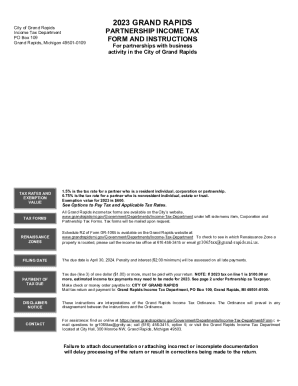
Get Grand Rapids Income Tax
How it works
-

Open form follow the instructions
-

Easily sign the form with your finger
-

Send filled & signed form or save
How to fill out the Grand Rapids Income Tax online
Filling out the Grand Rapids Income Tax form online is essential for partnerships with business activities in the city. This guide provides clear, step-by-step instructions for completing the Grand Rapids Income Tax form accurately and efficiently.
Follow the steps to complete the Grand Rapids Income Tax form online.
- Click 'Get Form' button to obtain the Grand Rapids Income Tax form and open it in your preferred online document editor.
- In the Identification and Information section, provide the partnership name, Employer Identification Number (EIN), and principal business activity. Ensure all information is accurate and up-to-date.
- Complete the Tax section: Calculate the total tax due based on the applicable rate, totaling the amounts from the Tax Calculation Schedule.
- In the Payments & Credits section, report all estimated tax payments, credits, and any tax due on behalf of partners. This includes credits for tax paid to other municipalities.
- Determine any balance due or overpayment. If the total payments exceed the tax due, enter the overpayment amount to be credited forward or refunded.
- Complete the Donations section if you wish to donate any overpayment to designated causes within the Grand Rapids area.
- In the Signature section, ensure the designated representative of the partnership signs and dates the form. If prepared by another individual, the preparer's information must also be included.
- Review all sections for accuracy and completeness before saving your changes. Once completed, download or print the form for submission.
Complete your Grand Rapids Income Tax form online today to ensure compliance and timely submission.
Related links form
Overview of Michigan Taxes Gross Paycheck$3,146Taxes15.51%$488DetailsFederal Income11.75%$370State Income3.76%$11823 more rows