Loading
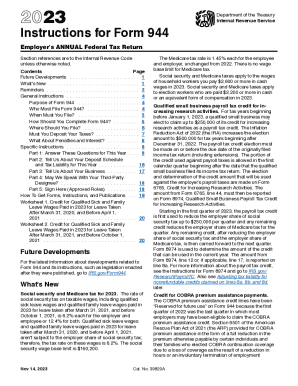
Get Irs 944 Instructions 2022-2026
How it works
-

Open form follow the instructions
-

Easily sign the form with your finger
-

Send filled & signed form or save
How to fill out the IRS 944 Instructions online
This guide provides step-by-step instructions on how to complete the IRS 944 form online. Designed for small employers, it ensures you correctly report your annual tax liability while navigating the process with ease.
Follow the steps to efficiently complete your IRS 944 form.
- Click ‘Get Form’ button to obtain the IRS 944 form and open it in your preferred online tool.
- Enter your employer identification number (EIN), your legal business name, and address in the designated fields.
- Complete Part 1 by answering the necessary questions about your wages, tips, federal income tax withheld, and applicable credits.
- Move on to Part 2, which asks about your deposit schedule and the total tax liability for the year. Enter the values carefully.
- Proceed to Part 3 and answer questions about your business, such as ownership changes or if you have closed your business.
- In Part 4, indicate whether you would like to authorize a third-party designee to discuss your return with the IRS.
- Sign and date the form in Part 5, making sure to include your title and any other required identification.
- Review the completed form for correctness and completeness before submitting.
- Save your changes, and download, print, or share the completed IRS 944 form as needed.
Complete your IRS 944 form online today to ensure accurate reporting and compliance.
If you're an employer required to file a Form 941 but estimate your tax liability will be $1,000 or less for the tax year, you may be eligible to switch to Form 944. To request a change, send a written request, postmarked by March 15 or call the IRS at 800-829-0115 by April 1.