Loading
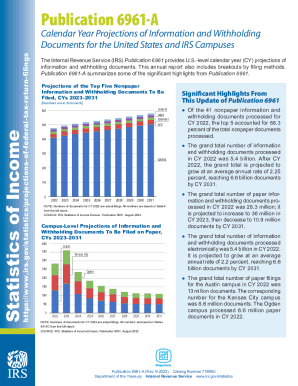
Get Publication 6961 - Calendar Year Projections ...
How it works
-

Open form follow the instructions
-

Easily sign the form with your finger
-

Send filled & signed form or save
How to fill out the Publication 6961 - Calendar Year Projections ... online
Filling out the Publication 6961 - Calendar Year Projections form online can seem overwhelming, but this guide will provide you with clear and supportive steps to make the process seamless. Follow the instructions outlined below to ensure you complete the form accurately and efficiently.
Follow the steps to fill out the Publication 6961 online.
- Click the ‘Get Form’ button to obtain the form and open it in your preferred editor.
- Begin with the first section, where you will be required to input the calendar year for which you are projecting information. Ensure accuracy as this sets the context for your projections.
- Next, complete the fields regarding the type of information and withholding documents you are projecting. These may include various forms such as 1099-R, W-2, and more. Be sure to categorize them correctly.
- In the subsequent section, provide the projected number of each type of document you anticipate will be filed within the specified calendar year.
- Review the summary field to confirm that your projections align with previous years and trends established in Publication 6961.
- After filling out all necessary fields, save your changes to ensure you do not lose any information.
- Finally, you can download, print, or share the form as needed for your records or for submission purposes.
Begin filling out your Publication 6961 - Calendar Year Projections form online today!
Get form
Experience a faster way to fill out and sign forms on the web. Access the most extensive library of templates available.
Get This Form Now!
Use professional pre-built templates to fill in and sign documents online faster. Get access to thousands of forms.