Loading
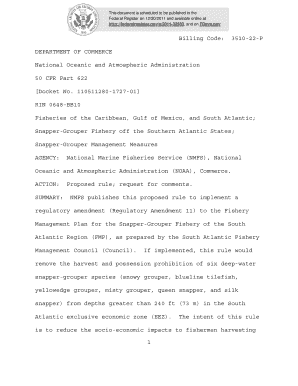
Get 1 Billing Code: 3510-22-p Department Of Commerce National ...
How it works
-

Open form follow the instructions
-

Easily sign the form with your finger
-

Send filled & signed form or save
How to fill out the 1 Billing Code: 3510-22-P DEPARTMENT OF COMMERCE National ... online
This guide provides users with clear and comprehensive instructions on filling out the 1 Billing Code: 3510-22-P form online. Follow these steps to ensure a smooth submission process and compliance with the necessary regulations.
Follow the steps to successfully complete the form online.
- Click the ‘Get Form’ button to obtain the form and open it in your preferred online editor.
- Carefully read through the first section of the form, which outlines the purpose and background of the document. This will help contextualize your inputs.
- Complete the required fields in the form, paying special attention to any instructions regarding deadlines for submission of comments.
- If applicable, provide your comments or additional information in the designated section of the form. Be sure to follow any formatting guidelines specified.
- Review all entries for accuracy. Ensure that you have not included any confidential or sensitive information that could be publicly accessed.
- Once all sections are filled out and reviewed, save your changes. You may then choose to download a copy of the form, print it for your records, or share it, if necessary.
Get started on your form today to ensure your input is received on time.
Industry-leading security and compliance
US Legal Forms protects your data by complying with industry-specific security standards.
-
In businnes since 199725+ years providing professional legal documents.
-
Accredited businessGuarantees that a business meets BBB accreditation standards in the US and Canada.
-
Secured by BraintreeValidated Level 1 PCI DSS compliant payment gateway that accepts most major credit and debit card brands from across the globe.