Loading
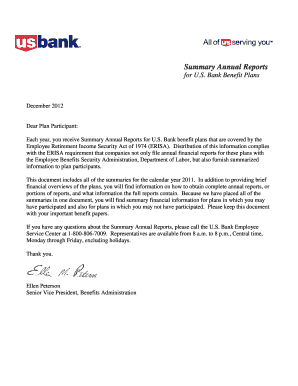
Get Summary Annual Reports
How it works
-

Open form follow the instructions
-

Easily sign the form with your finger
-

Send filled & signed form or save
How to fill out the Summary Annual Reports online
This guide provides clear and comprehensive instructions for filling out the Summary Annual Reports for U.S. Bank benefit plans online. By following these steps, users can ensure they accurately complete the report, in compliance with the requirements set forth by the Employee Retirement Income Security Act.
Follow the steps to successfully complete your Summary Annual Report.
- Select the 'Get Form' button to access the Summary Annual Reports document and open it in the appropriate online editor.
- Begin by entering your personal details in the designated fields. This may include your name, contact information, and any applicable account numbers associated with your benefit plans.
- Review the basic financial statement section carefully. Ensure that the information about plan assets, liabilities, and participant numbers is accurate as it reflects the plan year.
- Fill out the section concerning benefits provided under the plan. Include specific details regarding insurance contracts and any relevant financial summaries, making sure to note contributions and expenses.
- Complete the rights to additional information section. Here, outline the user's rights to obtain further details about the full annual report. Include information on how to request a copy from the plan administrator.
- Once all sections are filled, review your entries for accuracy. Correct any errors or omissions that may have occurred during completion.
- Finally, save your completed Summary Annual Report. You may choose to download, print, or share the report as necessary.
Complete your Summary Annual Report online today and ensure your compliance with the necessary regulations.
Related links form
Quick definition: the Summary Annual Report (SAR) is a one-page summary of Form 5500 and the plan's finances that gets distributed to a plan's participants. The SAR gets its name from the Form 5500, often called the Annual Report. Almost all of the information in your SAR will come from this notorious plan document.
Industry-leading security and compliance
US Legal Forms protects your data by complying with industry-specific security standards.
-
In businnes since 199725+ years providing professional legal documents.
-
Accredited businessGuarantees that a business meets BBB accreditation standards in the US and Canada.
-
Secured by BraintreeValidated Level 1 PCI DSS compliant payment gateway that accepts most major credit and debit card brands from across the globe.