Loading
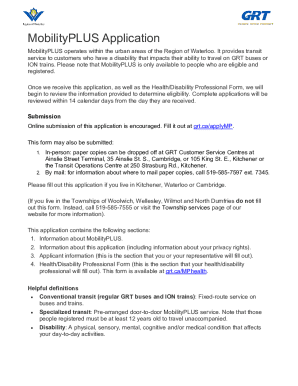
Get Canada Grt Mobilityplus Application 2022-2026
How it works
-

Open form follow the instructions
-

Easily sign the form with your finger
-

Send filled & signed form or save
How to fill out the Canada GRT MobilityPLUS Application online
The Canada GRT MobilityPLUS Application is designed for individuals who have disabilities affecting their ability to use conventional transit. This guide provides step-by-step instructions for completing the application online, ensuring that you submit all necessary information accurately.
Follow the steps to complete your application efficiently.
- Press the ‘Get Form’ button to obtain the application and open it in your preferred editing platform.
- Begin filling out the 'Applicant Information' section. This section requires personal details such as your name, address, and contact information. Be sure to answer all required fields marked with an asterisk (*).
- Proceed to the 'Health/Disability Information' section. Here, you should detail your specific disabilities impacting your ability to travel on conventional transit. Select all applicable types of disabilities and provide explanations as needed.
- Next, complete the 'Services' section to indicate what types of services you are interested in. Check any boxes that apply, such as MobilityPLUS or Travel Training.
- Move on to the 'Travel Abilities' section. Answer questions regarding your ability to travel, which may include your capacity to walk, navigate, and understand transit routes.
- Fill out the 'Assistance and Supervision' section if you require any support while traveling. Provide details on whether you can travel alone or need a support person.
- Finally, review all your answers, ensuring that they are accurate and complete. Save your changes before submission.
- Once you have completed the form, you can save, download, print, or share your application as necessary. Make sure all supporting documents are attached if required.
Begin your application online today and ensure timely access to MobilityPLUS services.
GRT's MobilityPLUS service uses small bus-style vehicles to transport people with impaired mobility. People registered with MobilityPLUS can book rides in advance anywhere within the city limits of Cambridge, Kitchener and Waterloo. Online booking and ride notifications are now available for MobilityPLUS customers.