Loading
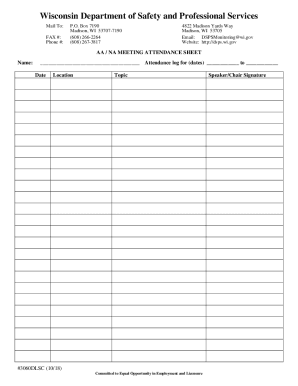
Get Welcome Packet - Business Information - Wisconsin.gov
How it works
-

Open form follow the instructions
-

Easily sign the form with your finger
-

Send filled & signed form or save
How to fill out the Welcome Packet - Business Information - Wisconsin.gov online
Filling out the Welcome Packet - Business Information form is an essential step for individuals and organizations looking to engage with Wisconsin's business environment. This guide will walk you through each section of the online form, ensuring that you complete it accurately and efficiently.
Follow the steps to complete your Welcome Packet online.
- Click the ‘Get Form’ button to access the Welcome Packet - Business Information form and open it in your preferred editing tool.
- Begin by entering your business name in the designated field. Ensure that the name matches your official registration records to avoid any discrepancies.
- Provide accurate contact information, including the business address, phone number, and email address. This information is crucial for communication and verification purposes.
- Fill in the business structure section by selecting from the options provided. Ensure you choose the structure that accurately reflects your business type, such as sole proprietorship, partnership, or corporation.
- If applicable, include any federal or state identification numbers. This may include your Employer Identification Number (EIN) or state tax identification, which are necessary for tax purposes.
- Review all entered information for accuracy. Ensure that there are no typographical errors and that all necessary fields are completed.
- Once you have verified the information, you can save the changes, download the completed form, or print it for your records. You may also choose to share the form as required.
Take the next step and complete your forms online to streamline your business processes.