Loading
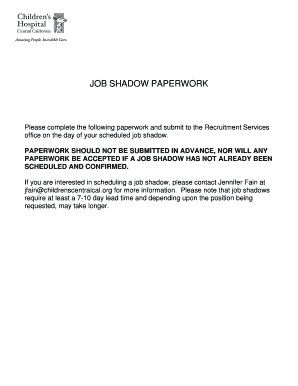
Get Ca Valley Childrens Healthcare Job Shadow Request Packet 2013
How it works
-

Open form follow the instructions
-

Easily sign the form with your finger
-

Send filled & signed form or save
How to fill out the CA Valley Childrens Healthcare Job Shadow Request Packet online
This guide will assist you in completing the CA Valley Childrens Healthcare Job Shadow Request Packet online. Following these instructions will ensure that you fill out the necessary forms accurately and submit them effectively.
Follow the steps to complete your job shadow request packet online.
- Click ‘Get Form’ button to access the CA Valley Childrens Healthcare Job Shadow Request Packet. This will allow you to view and fill out the form online.
- Begin by filling out the personal information section. Provide your name, address, city, state, zip code, home and cell phone numbers, and email address.
- Indicate your school affiliation, if applicable, and specify whether you are 18 years of age or older by selecting the appropriate option.
- Detail your reason for job shadowing, including any specific areas of interest you have regarding the experience.
- Complete the emergency contact information by providing the name and phone number of someone who can be reached in case of an emergency, along with their relationship to you.
- If there is any medical information relevant for emergencies, such as allergies, please include it in the designated area.
- Review the confidentiality agreement and dress and grooming standards. Acknowledge your understanding by signing and dating the form where indicated.
- For participants under 18, ensure that the parent or guardian completes and signs the consent form before submission.
- Once all sections are complete, save your changes. You can download or print the filled form for submission.
- Submit the completed form to the Recruitment Services office on the day of your scheduled job shadowing experience.
Complete your Job Shadow Request Packet online today to ensure a fulfilling observation experience.
Get form
Experience a faster way to fill out and sign forms on the web. Access the most extensive library of templates available.
Create a Work Experience Section Add “Shadow Experience” as the title. Enter the company/institution where you did the shadowing and its location (city and state) Add the dates that you were shadowing for. They don't have to be exact, month/year is fine. Include what you were engaged in while shadowing.
Get This Form Now!
Use professional pre-built templates to fill in and sign documents online faster. Get access to thousands of forms.