Loading
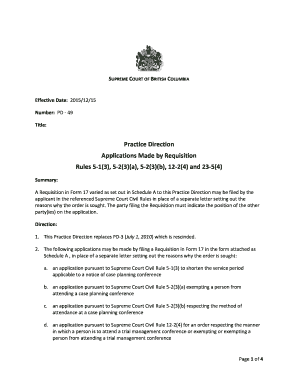
Get Canada Pd-49 - British Columbia 2015-2026
How it works
-

Open form follow the instructions
-

Easily sign the form with your finger
-

Send filled & signed form or save
How to fill out the Canada PD-49 - British Columbia online
The Canada PD-49 form is essential for filing requisitions in the Supreme Court of British Columbia. This guide provides clear, step-by-step instructions to assist users in completing the form accurately and efficiently online.
Follow the steps to fill out the Canada PD-49 form correctly.
- Press the ‘Get Form’ button to access the Canada PD-49 form and open it in your preferred editor.
- Begin by indicating the registry location at the top of the form followed by your details. Include the names of the plaintiff(s) and defendant(s) in the designated fields.
- In the 'Requisition – General' section, check the box that corresponds to the application you are seeking, such as shortening the service period or exempting a person from attending a case planning conference.
- Specify the term of the order sought by completing the relevant sections. Provide the name of the party involved and the expected method of attendance where applicable.
- Detail the reasons why the order is sought in the section designated for this information. Ensure that this is thorough and clear to support your application.
- Indicate the position of the other party(ies) on the application in the specified area, which is crucial for transparency in the process.
- Enter the date and provide the signature of the filing party or their lawyer, alongside their printed name for verification.
- Lastly, provide the address and phone number of the applicant. Once completed, you can save your changes, download, print, or share the form as required.
Start filling out your Canada PD-49 form online today for a smoother legal application process.
Use the Arial 12 font.