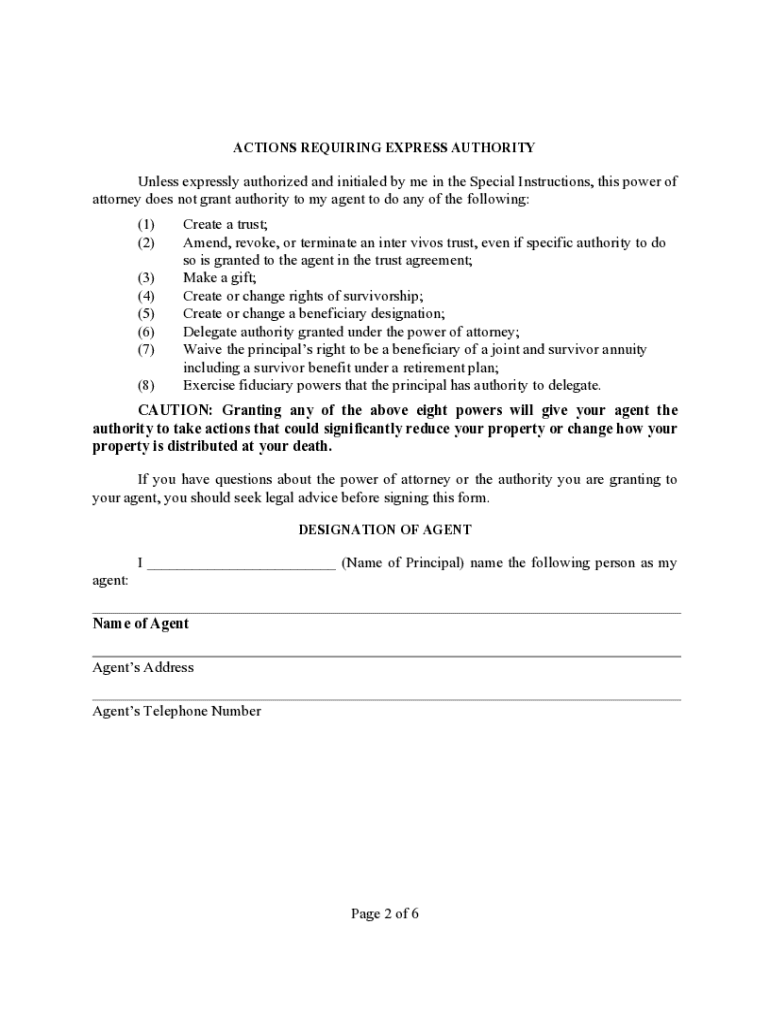
Address Second Successor Agent s Telephone Number GRANT OF GENERAL AUTHORITY I grant my agent and any successor agent general authority to act for me with respect to the following subjects as defined in the Uniform Power of Attorney Act (sections 1337.21 to 1337.64 of the Revised Code): (INITIAL each subject you want to include in the agent s general authority. If you wish to grant general authority over all of the subjects you may initial All Preceding Subjects instead of initialing.
Loading

Open form follow the instructions

Easily sign the form with your finger

Send filled & signed form or save
How to fill out the Power Ohio Special online
This guide is designed to help you complete the Power Ohio Special form online with ease. Whether you have experience with legal documents or are a first-time user, this step-by-step approach will ensure a clear understanding of each component of the form.
Follow the steps to successfully fill out the Power Ohio Special online.
- Click ‘Get Form’ button to access the Power Ohio Special form and open it in the editor.
- Begin with the designation of your agent by filling in their name, address, and telephone number. Ensure that this is someone you trust to make decisions on your behalf regarding your property.
- If you would like to appoint a successor agent, complete the optional section with their name, address, and telephone number. You may also include a second successor agent if desired.
- Grant general authority to your agent by initialing each subject you wish to include. If you prefer to grant authority over all subjects, initial 'All Preceding Subjects' instead of each individual subject.
- If you wish to provide additional instructions or limitations regarding your agent's authority, fill in the optional Special Instructions section.
- Nominate a guardian if needed by providing their name, address, and telephone number. This is optional but can be important for future considerations.
- Review the document for completeness and accuracy. Ensure that you have included all necessary information and none of your entries are missing.
- Sign the document and fill in the date of signing. Print your name and address as required.
- Ensure the document is acknowledged before a notary public if required. The notary will also need to sign and date the document.
- Save any changes made to the form and choose to download, print, or share the document as appropriate.
Complete your Power Ohio Special form online today for a seamless experience.
Experience a faster way to fill out and sign forms on the web. Access the most extensive library of templates available.
Related content
The Order allows any electric or natural gas customer of an investor-owned utility to...
Health Care Power of Attorney means a legal document that lets the principal authorize an...
Private Settlement Agreement Forms. By Robert M. Brucken, Esq. 124. Modification and...
Get answers to your most pressing questions about US Legal Forms API.
What is power Ohio?
Now you can get paid for successfully completing higher education courses, obtaining degrees and for staying employed with your current early childhood program. This program allows you to “level up” as your education and credentials increase.
What is Teach Ohio?
T.E.A.C.H. Early Childhood® OHIO is a compensation and retention program for Child Care professionals. Active in 23 states, T.E.A.C.H.
What is the power Ohio application?
POWER is an acronym for Powering Optimal Wages and Encouraging Retention. The program purpose is to provide additional funds to professionals and increase these trained professionals' retention in programs. Potential recipients apply through your Ohio Professional Registry Profile.
Use professional pre-built templates to fill in and sign documents online faster. Get access to thousands of forms.
If you believe that this page should be taken down, please follow our DMCA take down process here.