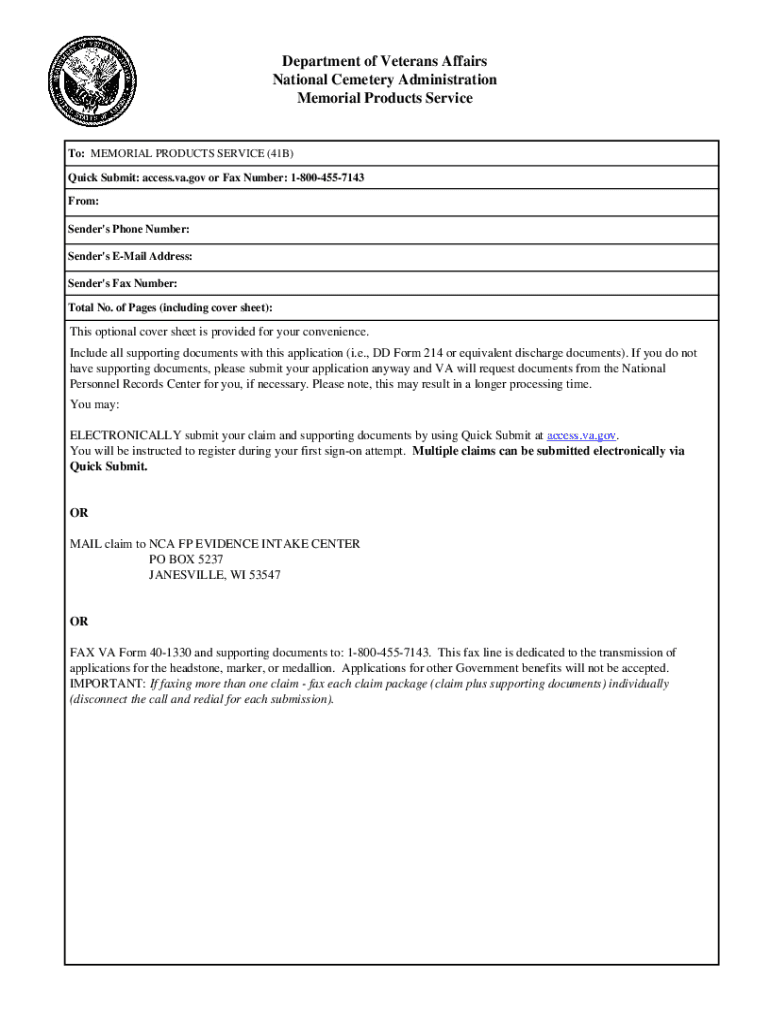
GENERAL INFORMATION SHEET CLAIM FOR STANDARD GOVERNMENT HEADSTONE OR MARKER RESPONDENT BURDEN Public reporting burden for this collection of information is estimated to average 15 minutes per response,.
Loading

Open form follow the instructions

Easily sign the form with your finger

Send filled & signed form or save
How to fill out the Dignity Memorial - CAL FIRE L2881 Riverside District online
Filling out the Dignity Memorial - CAL FIRE L2881 Riverside District form online is an essential step for honoring the memory of eligible deceased veterans. This guide provides a clear and supportive walkthrough for users looking to complete this important form with confidence.
Follow the steps to successfully complete the online form.
- Press the ‘Get Form’ button to access the form online and open it in the designated editor. Ensure that you have a reliable internet connection.
- Begin by carefully reading the General Information Sheet to understand the type of request you are making, whether it is for an initial request or a replacement. This information will guide your completion of the form.
- In block 1, indicate the type of request: Initial or Replacement. If replacing, specify the reason in block 33.
- Fill in the deceased individual’s name in block 3, ensuring to use their legal name without nicknames or titles.
- In block 4, check 'Yes' or 'No' based on whether a privately purchased headstone or marker is currently at the grave.
- Provide the veteran’s social security number and/or service number in blocks 7 and 8 along with their place of birth.
- Complete blocks 9 through 14 with details regarding the veteran's active military duty, rank, and any awards received, ensuring that the information is accurate and follows the guidelines provided.
- In block 15, select the type of headstone or marker you are requesting, confirming that it is permitted at the selected cemetery.
- For blocks 16 and 17, select any applicable war service and emblem of belief, providing documentation as necessary.
- Fill in blocks 18 to 22 with your personal information, including your relationship to the deceased and how many Presidential Memorial Certificates you would like to request, if applicable.
- Review all filled sections thoroughly for accuracy and completeness, as missing or incorrect details can delay processing or lead to the wrong inscription on the memorial.
- Finally, provide required signatures in blocks 23, 27, 31, and any others as specified within the form, and ensure to include the necessary delivery information in blocks 25 and 29.
- Once all information is correctly filled, save your changes, download a copy of the form, and either print it out for mailing or prepare it for electronic submission.
Take the important step to honor a veteran by completing the Dignity Memorial - CAL FIRE L2881 Riverside District form online today.
Experience a faster way to fill out and sign forms on the web. Access the most extensive library of templates available.
Related content
This page provides access to upcoming and archived hearings. Please note that live hearing...
382, 40111325, SLA: CAL - SUSTN; 9/13/17 - INDEFINITE, FOREST FIRE LOOKOUT ... 665...
Fire away. Call 1-800-370-3740. The new B&W 600 Series bullet-proof argument new B&W 600...
Get answers to your most pressing questions about US Legal Forms API.
How do I change my name after divorce in Tennessee?
You must visit a Driver Service Center to make changes to your name. You will need your current license and the original or certified document showing the reason for the change; for example: An original or certified marriage certificate, original or certified copy of your divorce decree, or the original court order.
How long does it take to change your last name after marriage in Tennessee?
Close to 2 weeks after you file the SS-5 form, your new Social Security card with your new married name will arrive in the mail. Next up is updating your maiden name with the State Department.
How do you change your name after marriage in Virginia?
A Step-by-Step of How to Change Your Last Name in Virginia After Getting Married Get Your Marriage License and Get Married. ... Obtain Certified Copies of Your Marriage License. ... Use Your Certified Copies to Change Your Last Name.
How much does it cost to change your name in Tennessee after divorce?
You will be asked to pay a fee for submitting a name change petition and order, typically around $150. The court clerk will assign a court and hearing date.
How much does it cost to get your last name change in Tennessee?
You will be asked to pay a fee for submitting a name change petition and order, typically around $150. The court clerk will assign a court and hearing date.
Is there a time limit on changing your name after marriage us?
There's no exact time limit for changing your name after getting married. People change their names whenever they are ready to. However, some workplaces request to be informed within 60 days or so after the change of name.
Do I have to change my name on my bank account after marriage?
Change the Name on Your Bank Accounts - Once you receive your new ID with your new name, it's time to update your banking information. Most banks require these changes in-person for security purposes. If you don't live near a branch, check with your bank about mailing in a certified copy of your marriage license.
How do I change my last name after marriage in Colorado?
File the Petition of Change of Name Form (JDF 433). Be sure to sign the petition either in the presence of a court clerk or a notary public. Complete the JDF 426 form (Publication for Change of Name), but do not sign it. Complete the caption box of the form JDF 448 (Final Decree for Change of Name).
How do I legally change my name after divorce?
By law, you can simply choose to adopt a new name and start using it. However, to update your passport, driving licence, bank accounts and other official records, you will need a deed poll name change or the following original documents: Final order. Original marriage or civil partnership certificate.
Is there a deadline for name change after marriage?
No, your marriage license doesn't expire so there is no deadline for a name change after marriage or time limit you must adhere to in order to be able to change your name after marriage. In fact, many spouses and newly married couples choose to wait to “see what happens” after they get married.
Use professional pre-built templates to fill in and sign documents online faster. Get access to thousands of forms.
If you believe that this page should be taken down, please follow our DMCA take down process here.