Loading
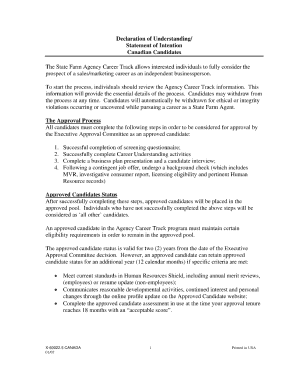
Get State Farm Declaration Page
How it works
-

Open form follow the instructions
-

Easily sign the form with your finger
-

Send filled & signed form or save
How to fill out the State Farm Declaration Page online
Completing the State Farm Declaration Page is an important step in managing your insurance documents. This guide will provide clear and supportive instructions to help you effectively fill out the form online.
Follow the steps to complete your State Farm Declaration Page with ease.
- Click the ‘Get Form’ button to access the State Farm Declaration Page and open it in your preferred online editor.
- Begin by entering your personal information in the designated fields. This usually includes your name, address, and contact information. Ensure all details are accurate and up-to-date.
- Next, review the section dedicated to insurance coverage details. Here, you will need to select the types of coverage you wish to include, like liability, property damage, or additional coverage options.
- Provide information about your insured property, which may involve entering the address, type of property, and any pertinent details about existing damage or required inspections.
- In the subsequent section, you may be prompted to enter information related to your payment method. Specify your preferred payment option and ensure that all billing information is entered accurately to avoid processing delays.
- Once you have filled out all necessary fields, review the entire form to ensure accuracy. Make any needed corrections before proceeding to the next step.
- Finally, save your changes and choose to download, print, or share the completed State Farm Declaration Page as needed. Ensure you keep a copy for your records.
Complete your State Farm Declaration Page online today for a streamlined insurance management experience.
In order to find your State Farm declarations page, log into your State Farm account, and then click on the circle icon in the upper right-hand corner. Select 'Documents. ' Look for the correct 'Policy Notice' that you want to upload (Auto, Home, Pet etc) and select 'View Documents.