Loading
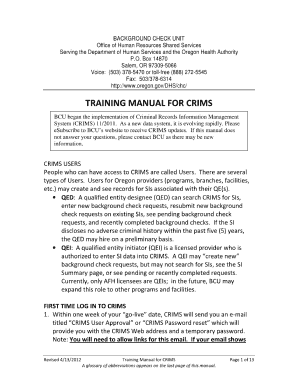
Get Or Training Manual For Crims 2012-2026
How it works
-

Open form follow the instructions
-

Easily sign the form with your finger
-

Send filled & signed form or save
How to use or fill out the OR Training Manual for CRIMS online
Filling out the OR Training Manual for CRIMS online can streamline the training process and ensure that all necessary information is accurately captured. This guide provides a clear, step-by-step approach to assist users in completing the form effectively.
Follow the steps to successfully complete your form.
- Click ‘Get Form’ button to obtain the form and open it in your preferred editing tool.
- Begin by entering your personal details. This includes your full name, contact information, and any relevant identification numbers. Be sure to double-check accuracy to avoid any delays.
- Proceed to fill out the training details. Specify the training program you are attending and include dates associated with your training sessions.
- In the next section, provide information regarding your background or experience related to the training. Highlight any previous training you've completed that may be relevant.
- Once all sections are filled, review your entries to ensure completeness and accuracy. It may help to have a colleague or peer review for clarity.
- After confirming that all information is correct, proceed to save your changes. You can choose to download a copy of your completed form for your records.
- Finally, print a copy of the document if needed, or share it via email with required parties as per your organization’s protocols.
Start completing the OR Training Manual for CRIMS online today to ensure a smooth and effective training process.
A training manual, such as the OR Training Manual for CRIMS, typically consists of an introduction, detailed instructions, and supplementary resources. It should also include assessment tools or checklists for users to gauge their understanding. Consider adding a glossary of terms and a FAQ section to address any common inquiries.