Loading
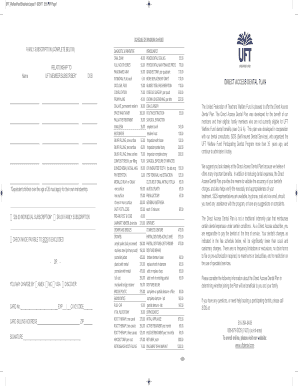
Get Uft Welfare Fund Direct Access Dental Plan 2017-2026
How it works
-

Open form follow the instructions
-

Easily sign the form with your finger
-

Send filled & signed form or save
How to fill out the UFT Welfare Fund Direct Access Dental Plan online
Filling out the UFT Welfare Fund Direct Access Dental Plan form online can simplify the process of accessing your dental benefits. This guide will walk you through each section of the form to ensure you have a clear understanding of how to complete it accurately.
Follow the steps to successfully complete the online form.
- Press the ‘Get Form’ button to access the document and open it for editing.
- Once the form is open, begin by entering your personal information in the designated fields, including your full name, address, and contact details. Ensure all entries are accurate to prevent any delays in processing.
- Next, provide information about your dental plan. Specify the type of coverage you are applying for and list any dependents who will be included under the plan. Review any requirements for documentation that may be mentioned.
- After filling in the coverage details, navigate to the section regarding your dental provider. Enter the name and contact information of your preferred dentist or dental office.
- Review all the information you have provided to confirm its accuracy. This is an important step to avoid potential issues with your application.
- Once you are satisfied with your entries, you can save your changes. The form should offer options to download, print, or share it directly once completed.
Complete your UFT Welfare Fund Direct Access Dental Plan form online to ensure you access your benefits without any hassle.