Loading
Get Front Desk Sanador
How it works
-

Open form follow the instructions
-

Easily sign the form with your finger
-

Send filled & signed form or save
How to fill out the Front Desk Sanador online
This guide will assist users in completing the Front Desk Sanador form online. By following the steps outlined, individuals can ensure that they complete the form accurately and efficiently.
Follow the steps to successfully fill out the Front Desk Sanador form.
- Click the ‘Get Form’ button to access the Front Desk Sanador form and open it in your browser.
- In the first section, enter the patient's name and personal identification details accurately to ensure proper identification and record-keeping.
- Next, fill in the fields designated for the guardian or accompanying person's name, ensuring to provide their full legal name as well.
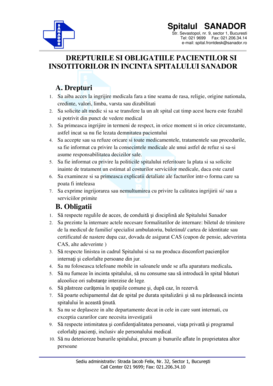
- Review the section on patient rights and obligations carefully, making sure to check the box that indicates you have read and understood these important guidelines.
- Proceed to sign the form in the designated signature areas for both the patient and the accompanying person, clearly marking the date of signature.
- Once all fields are filled out correctly, review the form for any errors or missing information. Make any necessary edits.
- Save changes to your completed form and choose the option to download or print a copy for your records. You may also share the form as needed.
Complete your documents online for a streamlined experience.