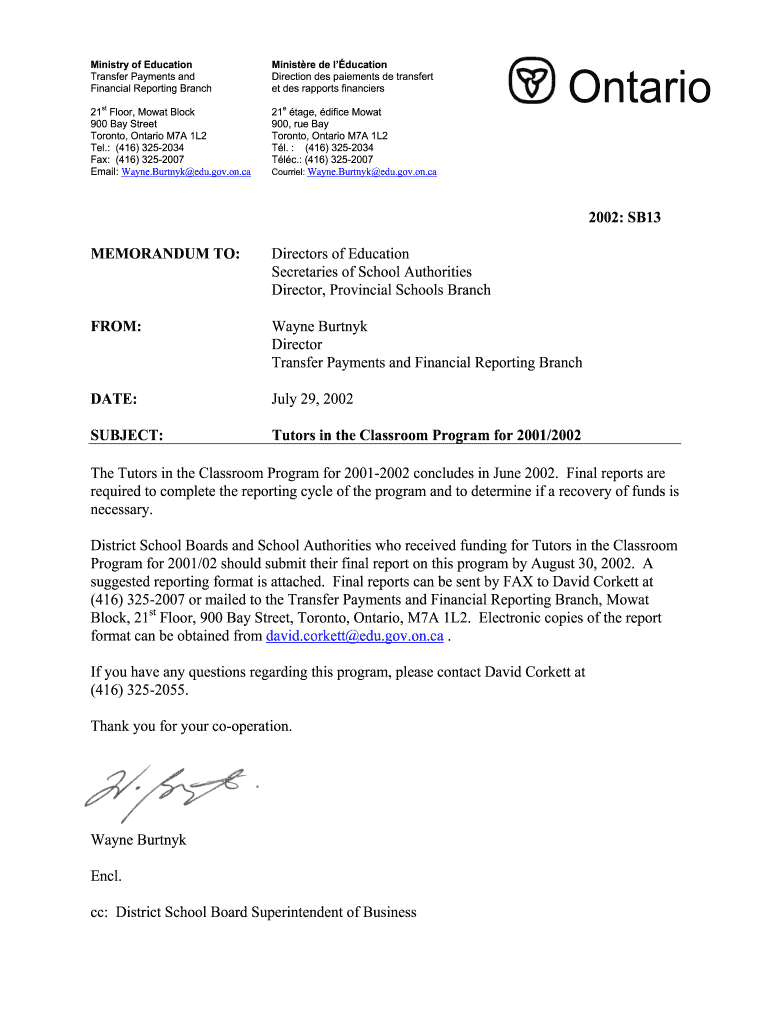
Yk edu.gov.on.ca Minist re de l ducation Direction des paiements de transfert et des rapports financiers e 21 tage, difice Mowat 900, rue Bay Toronto, Ontario M7A 1L2 T l. : (416) 325-2034 T l c.: (416) 325-2007 Courriel: Wayne.Burtnyk edu.gov.on.ca Ontario 2002: SB13 MEMORANDUM TO: Directors of Education Secretaries of School Authorities Director, Provincial Schools Branch FROM: Wayne Burtnyk Director Transfer Payments and Financial Reporting Branch DATE: July 29, 2002 SUB.
Loading

Open form follow the instructions

Easily sign the form with your finger

Send filled & signed form or save
How to fill out the Canada SB13 - Ontario online
Filling out the Canada SB13 - Ontario form online is a straightforward process that allows users to report on the Tutors in the Classroom program for the 2001/2002 school year. This guide will provide clear instructions to ensure you complete the form accurately and effectively.
Follow the steps to complete the form seamlessly.
- Click ‘Get Form’ button to obtain the form and open it in the editor.
- Begin with the 'Board Name' field and enter the full name of your school board accurately.
- In the 'Board Contact' field, provide the name of the individual who is responsible for submitting this report.
- Enter the 'Phone' number where the board contact can be reached for any follow-up.
- Fill in the 'E-mail' address of the board contact for electronic correspondence.
- Specify the number of tutors approved for the 2001/02 school year in the appropriate field.
- For each tutor, list their 'Name' in the designated section of the report form.
- Indicate the 'Post-secondary Institution' each tutor is associated with.
- Record the 'Program Enrolled In' for each tutor to ensure all information is complete.
- Next, include the 'Total Salary & Benefits Paid to June 28, 2002' for each tutor.
- Provide a brief outline of the results of the program in the summary section, detailing the outcomes and impacts of the Tutors in the Classroom program.
- Review all entries for accuracy and completeness before finalizing your report.
- Once satisfied, save your changes, and utilize the options to download, print, or share the completed form.
Complete your Canada SB13 - Ontario form online today to ensure timely submission.
Experience a faster way to fill out and sign forms on the web. Access the most extensive library of templates available.
Related content
All monetary figures are stated in Canadian currency, except as noted. ... Officer and...
[Ottawa, Ontario?] : Mineralogical Association of Canada, c2008. QE871 .J36 2009...
Aug 28, 2020 — DIGEST: This bill requires cosmetic manufacturers, commencing January 1...
Use professional pre-built templates to fill in and sign documents online faster. Get access to thousands of forms.
If you believe that this page should be taken down, please follow our DMCA take down process here.