Loading
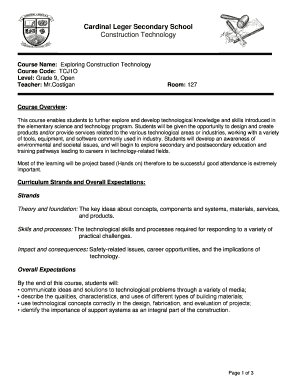
Get Canada Cardinal Leger Secondary School Construction Technology 2017-2026
How it works
-

Open form follow the instructions
-

Easily sign the form with your finger
-

Send filled & signed form or save
How to fill out the Canada Cardinal Leger Secondary School Construction Technology online
Filling out the Canada Cardinal Leger Secondary School Construction Technology form is an important step in enrolling in this engaging and educational course. This guide provides you with clear and supportive instructions to help you complete the form accurately and efficiently.
Follow the steps to successfully fill out the form online.
- Press the ‘Get Form’ button to access the form and open it in your preferred editor.
- Begin by providing your personal information, including your full name, contact information, and any relevant identification numbers.
- Indicate your grade level, ensuring you select 'Grade 9' for this course.
- Write the course name as 'Exploring Construction Technology' in the designated field.
- Fill in the course code as 'TCJ1O'.
- Review and acknowledge the course overview that emphasizes hands-on learning and the importance of attendance.
- Detail your learning skills and work habits by assessing your strengths and areas for improvement.
- Complete the section related to missed, late, or incomplete assignments by marking your understanding of the penalties.
- Finally, read through the course of study outline, noting the weekly topics and assessment methods, and affirm your commitment to the course by signing in the required fields.
- Save your completed form, and choose to download, print, or share it as needed.
Take the next step in your education by completing your Canada Cardinal Leger Secondary School Construction Technology form online.