Loading
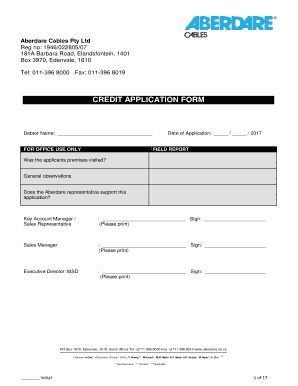
Get Aberdare Cables Job Application Forms
How it works
-

Open form follow the instructions
-

Easily sign the form with your finger
-

Send filled & signed form or save
How to fill out the Aberdare Cables Job Application Forms online
This guide provides a clear and structured approach to completing the Aberdare Cables Job Application Forms online. Whether you are applying for credit or establishing a business account, these instructions will help ensure that your application is properly filled out.
Follow the steps to successfully complete your application.
- Click the ‘Get Form’ button to access the application form. This will open the document for you to fill out.
- Begin by entering the debtor name at the top of the form. Make sure it matches the official registration name of your business.
- In Section A, provide the required information about your business, including the trading name and core business details.
- Indicate the legal entity type by selecting either 'Sole Trader', 'Partnership', or a registered company.
- If your application is from a registered company, fill out the registration number and the date of incorporation, as well as the business commencement date.
- Provide the physical and postal addresses. Make sure these addresses are accurate and up to date.
- List contact information such as telephone number, fax number, and email address.
- Complete the details about the principals of the business, including names, ID numbers, and their respective shareholding percentages.
- Fill in banking information, including the bank name, account number, and branch code.
- Attach all required supporting documents, including financial statements, ID copies, and tax clearance certificates by ticking the respective boxes.
- Review all entered fields to ensure accuracy. Make adjustments as needed.
- Once complete, save the application form. You may download, print, or share the document as required.
Start your Aberdare Cables Job Application Forms today to ensure all requirements are met.