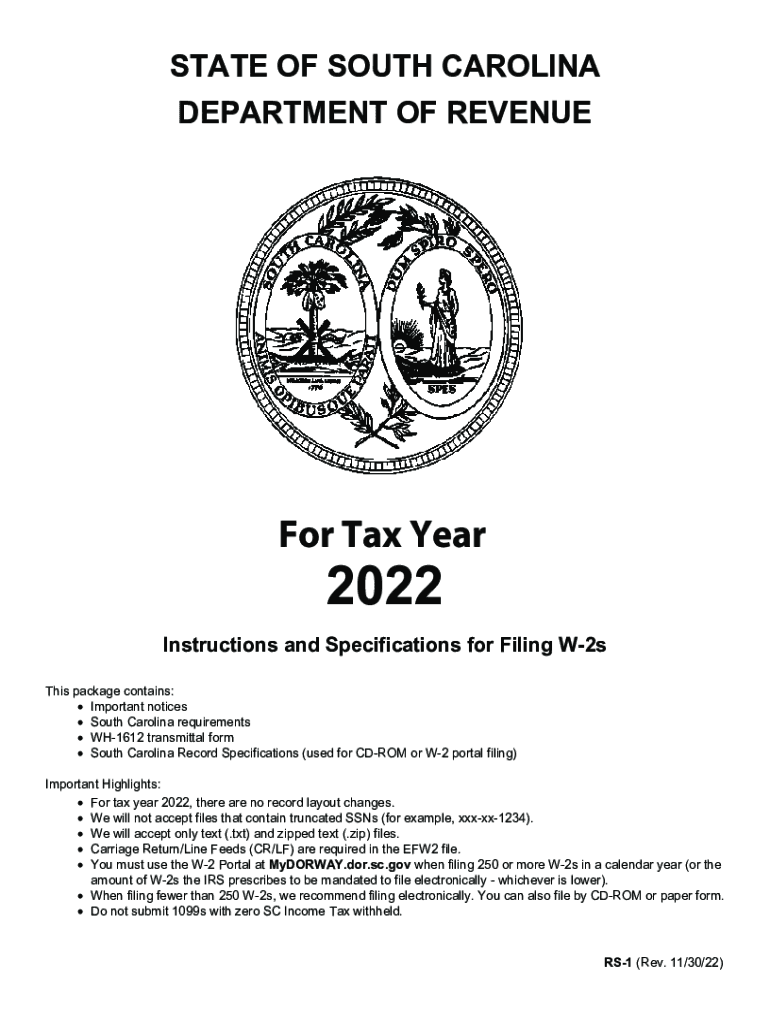
STATE OF SOUTH CAROLINA DEPARTMENT OF Revenuer Tax Year2022Instructions and Specifications for Filing W2s This package contains: Important notices South Carolina requirements WH1612 transmittal form.
Loading

Open form follow the instructions

Easily sign the form with your finger

Send filled & signed form or save
How to fill out the SC RS-1 online
The SC RS-1 form is essential for filing W-2s or 1099s with the South Carolina Department of Revenue. This guide will provide clear, step-by-step instructions to assist you in completing the form accurately and efficiently in an online format.
Follow the steps to successfully fill out the SC RS-1 online.
- Click the ‘Get Form’ button to access the SC RS-1. This will allow you to obtain the necessary document and open it for filling.
- Fill in the contact information section. You need to provide your name, phone number, mailing address, and email address.
- Enter your SC Withholding File Number and Federal Employer Identification Number (FEIN). Make sure these are accurate to avoid processing delays.
- In Section A, input the total SC state income tax withheld and total wages, tips, and other compensation. Ensure these figures reflect your records.
- Complete the number of W-2s or 1099s you are submitting. Make sure to report exactly how many forms are included in your submission.
- If you are submitting by CD-ROM, fill out Section B, indicating the number of CD-ROMs submitted and type of data reported.
- Finalize by reviewing all completed sections for accuracy. Once confirmed, you can save changes, download the completed form, print, or share it as needed.
Complete your documents online to ensure timely filing with the South Carolina Department of Revenue.
Experience a faster way to fill out and sign forms on the web. Access the most extensive library of templates available.
Related content
See complete filing specifications in the RS-1 manual, available at...
May 19, 2022 — 1) Q: What is the employee contribution for SCRS? A: Members of SCRS...
by M Souppaya · 2017 · Cited by 67 — The purpose of the document is to explain the...
Get answers to your most pressing questions about US Legal Forms API.
What is line 1 on sc tax return?
Make sure the amount used on line 1 of the SC1040 is the federal taxable income. If you claim a nonrefundable tax credit, attach an SC1040TC and all supplemental tax credit schedules to support the tax credits claimed on the SC1040TC. Include SC Withholding amount on the proper line for W-2's and/or 1099's.
Why would I get a letter from sc Dept of Revenue?
You may receive a letter from the SCDOR asking you to complete either the Identity Verification Quiz or Individual Code Verification after filing your return. This is just another step we are taking to ensure that fraudsters are not using your information to file a false return and steal your refund.
What is the sc Income Tax penalty?
1. Late Filing Penalty: This penalty is 5% of your total taxes owed if the failure to file your return is not more than one month after your SC tax return is due. You will be charged an additional 5% for each additional month or fraction of the month you file your return late, not exceeding 25%. 2.
What is sc state tax withholding?
South Carolina Withholding Tax Withholding Tax is taken out of taxpayer wages to go towards the taxpayers' total yearly Income Tax liability.
How much SC state tax should be withheld?
Overview of South Carolina Taxes Gross Paycheck$3,146Federal Income16.20%$510State Income5.80%$183Local Income0.00%$0FICA and State Insurance Taxes7.65%$24123 more rows
Does South Carolina have a state tax withholding form?
Employee instructions Complete the SC W-4 so your employer can withhold the correct South Carolina Income Tax from your pay. If you have too much tax withheld, you will receive a refund when you file your tax return.
Use professional pre-built templates to fill in and sign documents online faster. Get access to thousands of forms.
If you believe that this page should be taken down, please follow our DMCA take down process here.