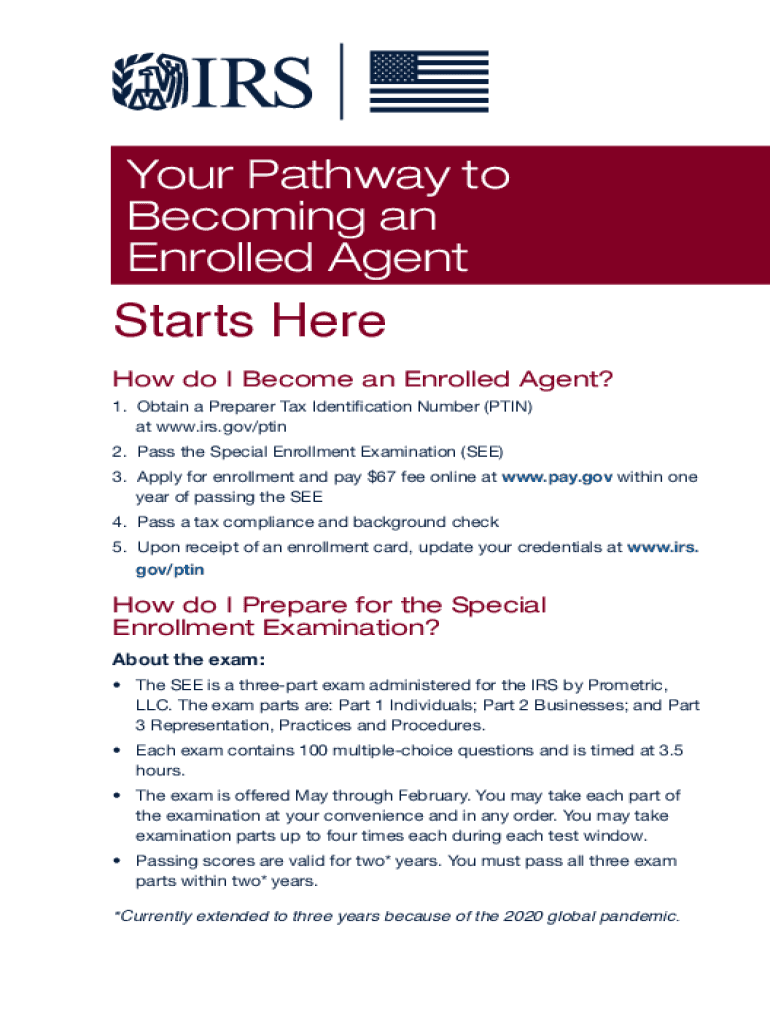
Your Pathway to Becoming an Enrolled AgentS tarts Here How do I Become an Enrolled Agent? 1. Obtain a Preparer Tax Identification Number (PAIN) at www.irs.gov/ptin 2. Pass the Special Enrollment Examination.
Loading

Open form follow the instructions

Easily sign the form with your finger

Send filled & signed form or save
How to fill out the IRS Publication 5279 online
Filling out the IRS Publication 5279 is a crucial step for individuals seeking to become enrolled agents. This guide will walk you through the process of completing the form online, ensuring you understand each component and requirement.
Follow the steps to successfully complete the IRS Publication 5279 online.
- Click the ‘Get Form’ button to access the IRS Publication 5279 and open it in the online editor.
- Begin by entering your personal information in the designated fields. This typically includes your name, address, and contact details.
- Proceed to fill out your Preparer Tax Identification Number (PTIN). If you do not have one, refer to www.irs.gov/ptin to obtain it.
- Next, detail your qualifications and experience by providing information related to passing the Special Enrollment Examination (SEE) and the necessary fees.
- Finally, review all your entries for accuracy and completeness. Then, save your changes and select an option to download, print, or share your completed form.
Begin your journey to becoming an enrolled agent by filling out the IRS Publication 5279 online today.
Experience a faster way to fill out and sign forms on the web. Access the most extensive library of templates available.
Related content
How do I Prepare for the Special. Enrollment Examination? About the exam: • The SEE is a...
You can also get this publication at your local IRS office or by calling 1-800-829-3676...
Copies of this and other IBM publications can be obtained through IBM branch offices...
Use professional pre-built templates to fill in and sign documents online faster. Get access to thousands of forms.
If you believe that this page should be taken down, please follow our DMCA take down process here.