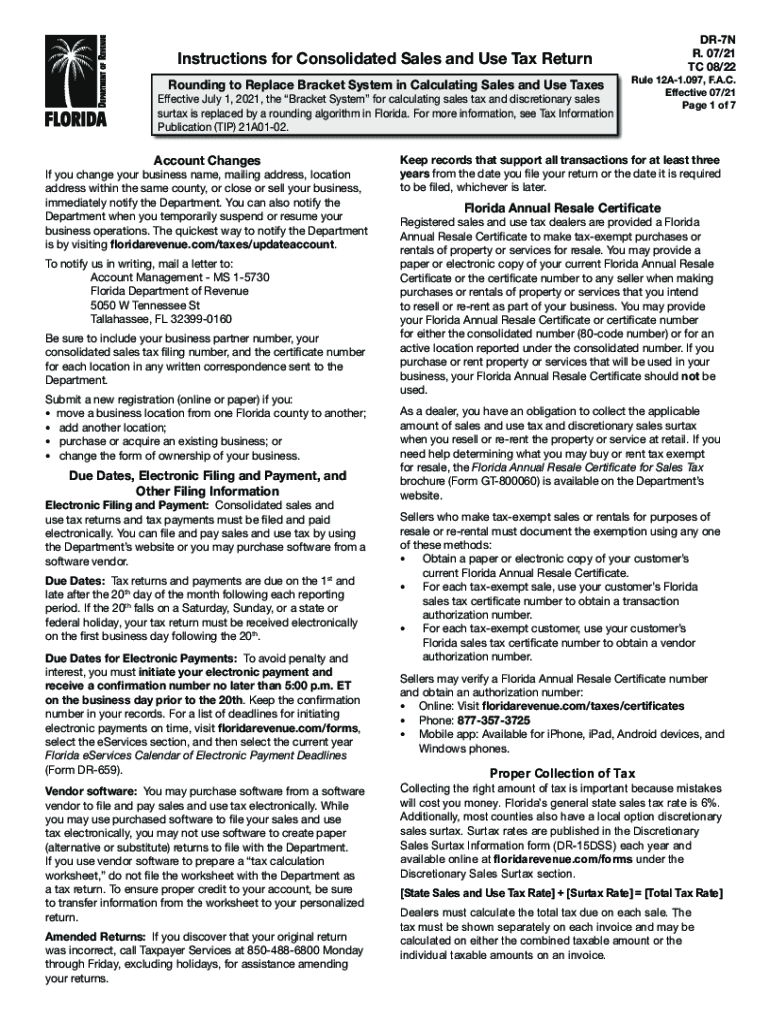
Instructions for Consolidated Sales and Use Tax Return Rounding to Replace Bracket System in Calculating Sales and Use Taxes Effective July 1, 2021, the Bracket System for calculating sales tax and.

Open form follow the instructions

Easily sign the form with your finger

Send filled & signed form or save
How to fill out the FL DR-7N online
The FL DR-7N is a crucial document for reporting consolidated sales and use tax in Florida. Filling out this form accurately is essential for compliance with state tax regulations. This guide provides you with a step-by-step approach to complete the FL DR-7N online, ensuring that you understand each section and requirement.
Follow the steps to accurately complete the FL DR-7N online.
- Click ‘Get Form’ button to obtain the FL DR-7N and open it in your preferred online editor.
- Begin by entering your business details at the top of the form, including your business name, address, and tax registration number.
- Proceed to Line A, where you will report your total sales. Include all applicable sales transactions but exclude any sales tax collected.
- On Line B, calculate and report any taxable purchases you consumed or used for which use tax is applicable.
- Continue to Line C and report your amounts for commercial rentals. Ensure to capture the total consideration charged and avoid including tax collected.
- For Line D, document any transient rentals, detailing the gross amounts charged while excluding tax.
- Complete Line E by calculating and reporting your food and beverage vending sales using the designated divisor for your county.
- Add up the tax due from each line in Column 4 and report it on Line 5 to reflect the total amount of tax liability.
- After completing all applicable lines, review your entries for accuracy to avoid errors or omissions.
- Once finalized, you can save the form changes, download, print, or share it as needed.
Start filling out your FL DR-7N online today to ensure compliance with Florida tax regulations.
Experience a faster way to fill out and sign forms on the web. Access the most extensive library of templates available.
Related content
The State of Florida's Online Resource for Medical Doctor, Physician Assistant and...
Your Florida Annual Resale Certificate for Sales. Tax (Form DR-13) is used for tax-exempt...
/FL. General flange-mounted motor (other than IEC). /FM. 7-series integral gearmotor with...
Get answers to your most pressing questions about US Legal Forms API.
Can you pay Florida sales tax with a credit card?
You can pay bills (Notice of Amount Due or Demand for Payment) online for most taxes using an ACH-Debit or credit card.
What is exempt from sales tax in Florida?
Florida law grants governmental entities, including states, counties, municipalities, and political subdivisions (e.g., school districts or municipal libraries), an exemption from Florida sales and use tax.
Does Florida charge sales tax on out-of-state online purchases?
Use tax applies to purchases from sources such as mail order catalogs, the Internet, television shopping networks, auctions, and toll-free shopping services. The use tax is also due on taxable items purchased during out-of-state travel, when the merchandise is shipped to the individual's home state.
How do you pay sales tax for small business in Florida?
Florida requires businesses to file sales tax returns and submit sales tax payments online. File with the Florida Department of Revenue e-services page.
Do you pay sales tax online purchases Florida?
All sales of taxable tangible personal property made online are subject to tax when the merchandise is delivered to a customer located in Florida. If the seller is registered as a Florida dealer, the seller should collect Florida sales tax.
How do I pay sales tax in Florida?
You have three options for filing and paying your Florida sales tax: File online: File online at the Florida Department of Revenue. You can remit your payment through their online system. ... File by mail: You can use Form DR-15 and file and pay through the mail. AutoFile – Let TaxJar file your sales tax for you.
What is FL sales tax?
Florida's general state sales tax rate is 6% with the following exceptions: Retail sales of new mobile homes - 3% Amusement machine receipts - 4%
What is the form for Florida sales tax refund?
To request a tax refund, file an Application for Refund - Sales and Use Tax (Form DR-26S) or Application for Refund - All Other Taxes (Form DR-26). An application form may be completed to request moneys paid into the State Treasury for a tax overpayment, payment when tax was not due, or payment made in error.
Use professional pre-built templates to fill in and sign documents online faster. Get access to thousands of forms.
If you believe that this page should be taken down, please follow our DMCA take down process here.
This form is available in several versions. Select the version you need from the drop-down list below.