Loading
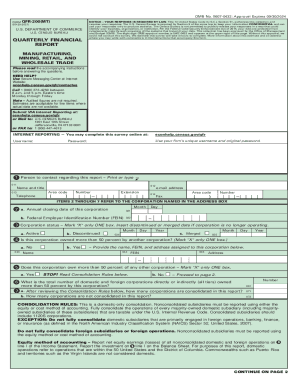
Get Census Qtr-200(mt) 2021-2026
How it works
-

Open form follow the instructions
-

Easily sign the form with your finger
-

Send filled & signed form or save
How to fill out the Census QTR-200(MT) online
Completing the Census QTR-200(MT) online can be a straightforward process when you follow the right steps. This guide is designed to help you navigate each section of the form with confidence and clarity.
Follow the steps to successfully complete the Census QTR-200(MT) online.
- Click ‘Get Form’ button to obtain the form and open it in the editor.
- Review the covering notice, as it provides important legal information regarding the requirement to respond. Make sure to understand the confidentiality guarantees about your data.
- Fill in the contact person’s details in the specified fields, including their name, title, telephone number, and email address.
- Provide the annual closing date of your corporation in the designated field as well as your Federal Employer Identification Number (FEIN).
- Indicate the status of your corporation by marking one box (Active, Discontinued, or Merged) and provide the necessary dates if applicable.
- Answer whether your corporation is owned more than 50 percent by another corporation and provide details if applicable.
- Indicate if your corporation owns more than 50 percent of any other corporation and follow the instructions for reporting consolidated and non-consolidated entities.
- Complete Schedule A for the Statement of Income and Retained Earnings for the reported 3-month period, filling out the financial figures as instructed.
- Complete Schedule B1 for the Balance Sheet – Assets, ensuring to report dollar figures in thousands.
- Complete Schedule B2 for the Balance Sheet – Liabilities and Stockholders’ Equity.
- Review your entries for accuracy before submitting. Make any necessary adjustments.
- Finally, save changes, and choose to download, print, or share the completed form as needed.
Begin filling out your Census QTR-200(MT) form online today to ensure prompt compliance.