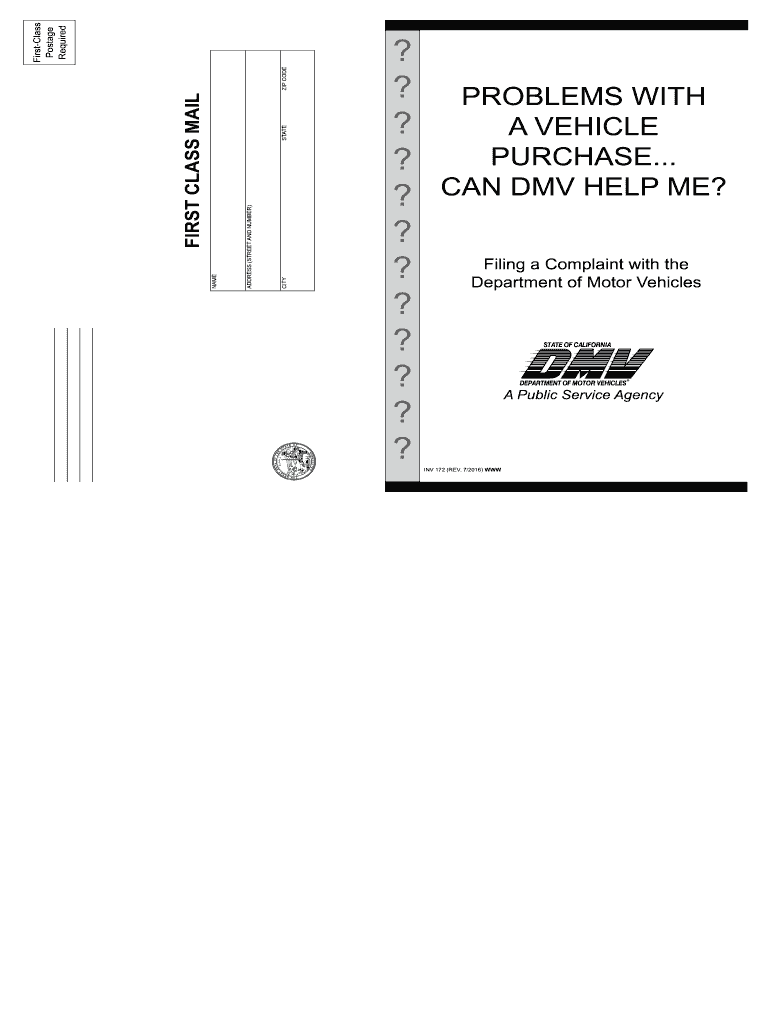
A case prior to investigating a complaint. • Act as a go-between to settle contract terms for buyer or dealer. • Investigate complaints against private parties, unless the complaint is for suspected odometer mileage fraud, counterfeit/fraudulent/forged DMV documents, or they are acting as an unlicensed motor vehicle business. • Recover money or property for the consumer. • Investigate most complaints about the condition of used cars. “AS-IS” on a contract or Buyers Guide, displayed .
Loading

Open form follow the instructions

Easily sign the form with your finger

Send filled & signed form or save
How to fill out the CA INV 172 online
The CA INV 172 form is a crucial document for individuals wishing to file a complaint with the California Department of Motor Vehicles (DMV) regarding vehicle-related issues. This guide will help you navigate the process of filling out the form online, ensuring you provide all necessary information clearly and accurately.
Follow the steps to successfully complete and submit the CA INV 172 form.
- Click ‘Get Form’ button to obtain the form and open it in the editor.
- In Section 1, provide your personal information as the complainant. Fill in your name (first, middle initial(s), last), address (street or P.O. box, apartment number, city, state, zip code), and contact information including your daytime and evening telephone numbers. Don’t forget to include your signature and driver license or identification number along with the date.
- Proceed to Section 2, where you will provide details about the business or seller you are complaining against. Include their name, address, and telephone number. If applicable, mention if you have previously submitted a complaint against this business and provide the date.
- In Section 3, enter vehicle information. This includes the license plate number, vehicle identification number (VIN), and the date of purchase for the vehicle involved in the complaint.
- In Section 4, explain the details of your complaint. Be concise yet thorough to ensure all critical points are communicated. Use additional sheets if necessary.
- Section 5 requires you to attach photocopies of all supporting documents related to your complaint, including contracts, warranties, and any correspondence. Remember to avoid sending original documents.
- Finally, review all entries for accuracy, print a copy for your records, and then mail the completed complaint and supporting documents to the Investigations Office that is closest to the location where the transaction occurred.
Begin filling out the CA INV 172 form online to voice your concerns and seek assistance effectively.
Experience a faster way to fill out and sign forms on the web. Access the most extensive library of templates available.
Related content
Instructions: • Read DMV Complaints brochure (FFINV 1) before completing your complaint...
by CAP de Faria · 2012 · Cited by 155 — Dessas 102, tive- mos acesso às grades...
DANGER. ELECTRICAL SHOCK HAZARD. Failure to follow this warning will result in personal...
Get answers to your most pressing questions about US Legal Forms API.
How do I email the mandatory actions unit?
To email the mandatory actions unit at the DMV, first, visit their official website to find the correct email address. Clearly state your concern in the subject line to facilitate faster processing. When composing your email, be specific and attach any necessary documents to support your case. Using references like CA INV 172 can help you better explain your situation.
Who fills out the statement of facts in DMV?
Typically, the individual involved in the transaction fills out the statement of facts at the DMV. This form allows you to clarify the circumstances surrounding your case, such as vehicle transfers or title issues. It is essential to provide accurate information to ensure prompt processing. Incorporating the details from CA INV 172 can help ensure you include all necessary facts.
Is there a way to email CA DMV?
Yes, you can email the CA DMV, but it is essential to use the correct email address for your specific inquiry. The DMV website provides resources to help you find the right contact based on your needs. When emailing, include as much information as possible, including your contact details and any relevant documents, for a smoother process. Remember that references to CA INV 172 may assist in addressing your questions regarding insurance.
Can I file a lawsuit against the DMV?
Yes, you can file a lawsuit against the DMV under certain conditions. If you believe the DMV has acted unlawfully or failed to perform its duties, you may have grounds for legal action. Keep in mind that successfully suing a government entity often requires following specific procedures and guidelines. Understanding forms like CA INV 172 can aid in determining your legal standing.
How do I email proof of insurance to CA DMV?
To email proof of insurance to the CA DMV, you need to gather your insurance documents and ensure they meet the requirements. Once you have your documents ready, you can locate the appropriate email address for submitting insurance proof on the DMV website. Don’t forget to include your details like your driver's license number and vehicle information to avoid any delays. Using CA INV 172 can help clarify your obligations regarding insurance verification.
How do I email the CA DMV mandatory actions unit?
You can email the CA DMV mandatory actions unit by locating their contact information on the official DMV website. Ensure that your email contains your CA INV 172 for reference and clarity. Provide all necessary details to facilitate a swift resolution. To streamline your communication, visit US Legal Forms for useful drafting tips.
How do I email the mandatory action unit in California?
To email the mandatory action unit in California, you will need to find the specific email address listed on the California DMV website. Include all relevant information, including your CA INV 172, to ensure a quick response. Remember to clearly state your request or question related to mandatory actions. If you have any difficulties, US Legal Forms can provide templates for effective communication.
Can I email proof of insurance to DMV California?
Yes, you can email proof of insurance to the California DMV. However, you must follow their guidelines for submitting such documents to ensure they are accepted. Include your CA INV 172 if needed for proper identification. For comprehensive help with insurance documentation, refer to US Legal Forms for tips and templates.
How do I get a Reg 172 in California?
Obtaining a Reg 172 in California begins with visiting the California DMV website. You will need to fill out the necessary application and provide supporting documents. Ensure that your CA INV 172 is filled out correctly, as inaccuracies may delay processing. For further assistance, US Legal Forms offers resources that simplify this process.
How to file California corporate disclosure statement online?
To file a California corporate disclosure statement online, you can visit the official California Secretary of State website. The site provides an easy-to-navigate portal where you can complete the necessary forms. Be sure to have your CA INV 172 ready, as it may be required during the filing process. If you need assistance, consider using platforms like US Legal Forms for guidance.
Use professional pre-built templates to fill in and sign documents online faster. Get access to thousands of forms.
If you believe that this page should be taken down, please follow our DMCA take down process here.