Loading
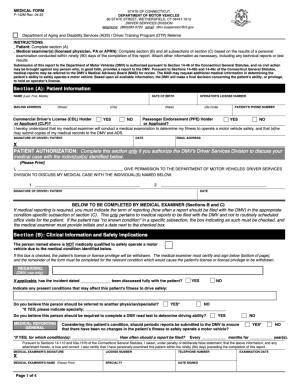
Get Medical - P142m V0.5
How it works
-

Open form follow the instructions
-

Easily sign the form with your finger
-

Send filled & signed form or save
How to fill out the Medical - P142M V0.5 online
Filling out the Medical - P142M V0.5 form online can be a straightforward process when you have clear guidance. This user-friendly guide will walk you through each step, ensuring you complete the form accurately and efficiently.
Follow the steps to fill out the Medical - P142M V0.5 form with ease.
- Click the ‘Get Form’ button to obtain the form and access it in the editor.
- Begin by entering your personal information in the designated fields, including your full name, date of birth, and contact details. Ensure accuracy to avoid delays.
- In the next section, provide your medical history. This may include any pre-existing conditions, medications you are currently taking, and allergies. Be thorough to give a complete picture of your health.
- Next, fill in any relevant insurance information. Include the name of your insurance provider, policy number, and any additional details that may be necessary for processing.
- Review the consent and authorization section carefully. Make sure you understand what you are agreeing to before you provide your signature. Many forms require a digital signature, so ensure it is correctly attached.
- Finally, after completing all required sections, save your changes. You can then choose to download, print, or share the completed form as needed.
Get started on completing your Medical - P142M V0.5 form online today!
Related links form
A gold star on your license or ID card indicates you already have a verified ID. The graphic above shows how to find the star. A verification process is a one-time check, therefore if you have the gold star you are all set and meet federal standards.