Loading
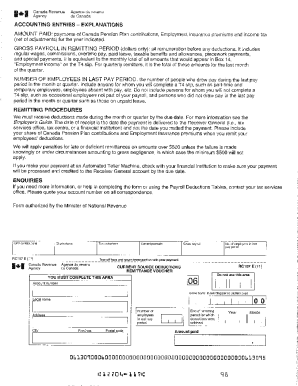
Get Canada Rc107 E 2011
How it works
-

Open form follow the instructions
-

Easily sign the form with your finger
-

Send filled & signed form or save
How to fill out the Canada RC107 E online
Filling out the Canada RC107 E form online can streamline the process and ensure that your information is submitted accurately. This guide will provide step-by-step instructions to help you navigate the form with confidence.
Follow the steps to complete your form efficiently.
- Click ‘Get Form’ button to access the form and open it in the editor.
- Review the first section of the form, which typically includes your personal information. Enter your name, mailing address, and any identification numbers as requested.
- Proceed to the next area, which may request details about your source of income. Complete this section accurately, using available documents to support your entries.
- Continue to any additional sections that require information about deductions or credits. Be thorough in your responses, ensuring that you have documented support for any claims you are making.
- Check for any boxes that need to be marked based on your situation. These might relate to specific claims or situations pertinent to your case.
- Read through the declaration section carefully. Ensure that all statements are true to the best of your knowledge before signing or certifying the form.
- Once all sections are complete, verify the accuracy of the information you've provided. This is crucial to avoid any potential issues down the line.
- After confirming the details, save your changes, and choose one of the options to download, print, or share the completed form for submission.
Start completing your Canada RC107 E form online today to ensure your submission is handled efficiently.
Get form
Experience a faster way to fill out and sign forms on the web. Access the most extensive library of templates available.
Get This Form Now!
Use professional pre-built templates to fill in and sign documents online faster. Get access to thousands of forms.