Loading
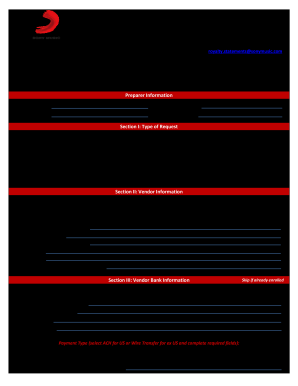
Get Multi-purpose Registration Form
How it works
-

Open form follow the instructions
-

Easily sign the form with your finger
-

Send filled & signed form or save
How to fill out the Multi-purpose Registration Form online
This guide provides detailed instructions on how to accurately complete the Multi-purpose Registration Form online. Following these steps will help ensure efficient processing of your registration requests.
Follow the steps to successfully complete the Multi-purpose Registration Form.
- Click ‘Get Form’ button to obtain the form and open it in the designated editor.
- In the Preparer Information section, fill in your company name, phone number, your name, and email address. This identifies the individual completing the form.
- Proceed to Section I: Type of Request. Select the registration type that fits your needs: Artist Portal Access, Electronic Payments, or Cash-Out Authorization. You may select multiple options if applicable.
- Move on to Section II: Vendor Information. Select the appropriate vendor type from the available options, which include Artist Royalty, Copyright, or JV Partner. Enter the vendor name, vendor number, royalty account number, address, and email address for remittance purposes.
- In Section III: Vendor Bank Information, only complete this section if you are enrolling in electronic payments for the first time or updating existing bank details. Select your bank account type, provide the bank account holder name, bank account number, bank name, and bank address. Include your U.S. Bank Account Routing Number for ACH transactions or IBAN for wire transfers if applicable.
- Continue to Section IV: Artist Portal & Copyright Online Statement Access. Provide the names and contact information for individuals you are authorizing to access the Artist Portal.
- If applicable, complete Section V: Cash-Out Authorization by filling in the authorized individual's details, ensuring the email provided is not a general or shared email account.
- In the Authorization signature section, input the authorized signer's name, signature, and today's date to validate the request.
- After completing the form, review all entries for accuracy. You can then save your changes, download, print, or share the completed form as necessary.
Start filling out the Multi-purpose Registration Form online today to streamline your registration process.
How to license our music. If you would like to license one of our songs, please fill out the INQUIRY FORM below letting us know the basic facts – including your production type (film placement, online advertising, etc.), the name of the requested composition and songwriter(s), and the length of the term you need.