Loading
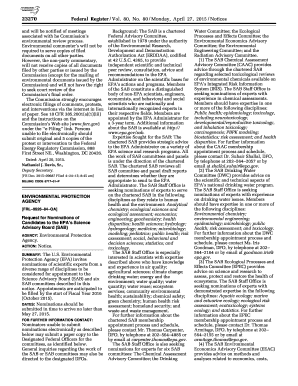
Get Federal Register/vol. 80 No. 80 2015-2026
How it works
-

Open form follow the instructions
-

Easily sign the form with your finger
-

Send filled & signed form or save
How to fill out the Federal Register/Vol. 80 No. 80 online
This guide provides clear and comprehensive instructions on how to complete the Federal Register/Vol. 80 No. 80 online. Designed for users at all experience levels, this resource aims to simplify the filing process while ensuring compliance with regulatory requirements.
Follow the steps to successfully complete the form online.
- Click ‘Get Form’ button to access the Federal Register/Vol. 80 No. 80 document and open it for editing.
- Carefully read through each section of the form to understand the information required and the purpose of your submission.
- Fill in the necessary fields, such as your contact information, the purpose of your comments or nominations, and any relevant expertise related to the advisory committees.
- Provide supporting documentation as necessary, including a curriculum vitae and a brief biographical sketch highlighting relevant qualifications.
- Review the completed form thoroughly to ensure accuracy and completeness before submission.
- Once you are satisfied with the information provided, save your changes and proceed to download or print the completed form for your records.
- Submit your completed form following the provided submission guidelines, ensuring that it is sent electronically as preferred or by mail if necessary.
Complete your submission online to contribute valuable input to the Federal Register.
Availability of Documents Starting about 8:45 a.m. every federal business day, you can use the Public Inspection page on FederalRegister.gov to: Browse the list of documents filed for public inspection and. Read and print copies of documents in PDF format.