Canadian International Trade TribunalCA NA DIA N INTERNATIONAL TRADE TRIBUNALTribunal canadien du commerce extrieurProcurement COMPLAINT FORMTABLE OF CONTENTS PROCUREMENT COMPLAINT FORM.
Loading

Open form follow the instructions

Easily sign the form with your finger

Send filled & signed form or save
How to fill out the Canada Procurement Complaint Form online
Filing a complaint regarding a procurement can be a straightforward process if you are equipped with the right information. This guide is designed to help you effectively fill out the Canada Procurement Complaint Form online, ensuring that your concerns are properly addressed.
Follow the steps to effectively complete the Canada Procurement Complaint Form.
- Click ‘Get Form’ button to access the Canada Procurement Complaint Form and open it in your editor.
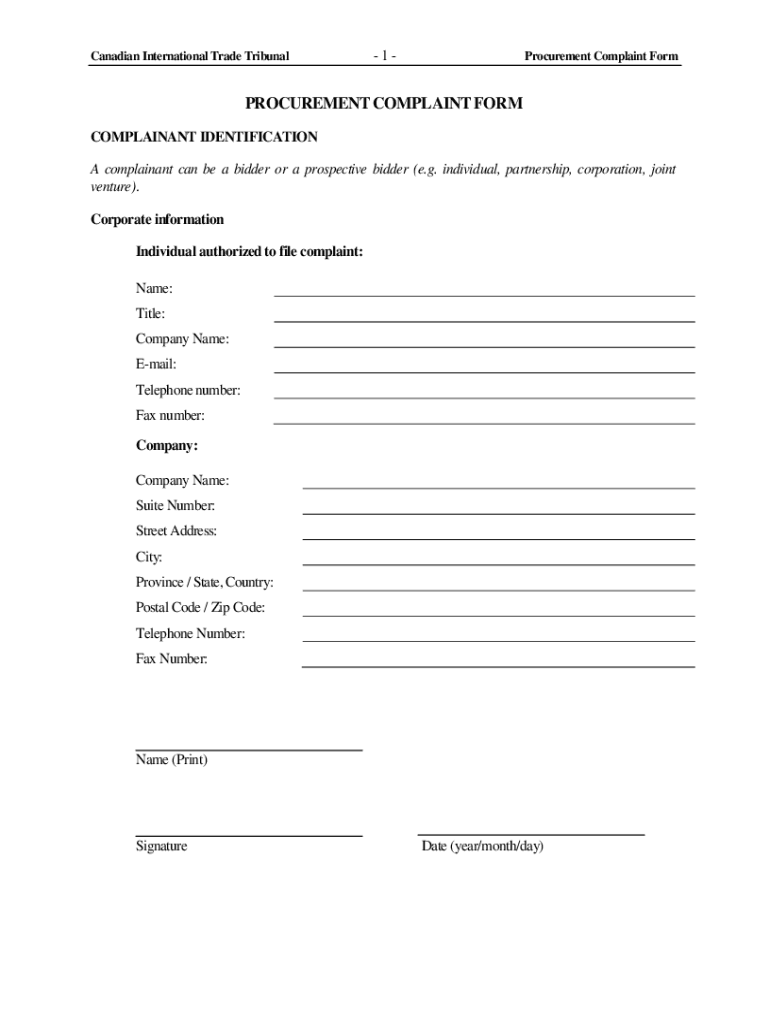
- Begin with the complainant identification section. Here, you will need to provide your corporate information, such as your name, title, company name, email, and contact numbers. Make sure to clearly indicate who is authorized to file the complaint.
- If you are represented by counsel, complete the counsel identification section. Provide the necessary details, including the name of your counsel, their firm, and contact information.
- In the information on the procurement section, include critical information related to the procurement such as the identification number, requisitioning authority, contracting authority, and a brief description of the product or service being procured.
- Document the important dates related to the procurement, such as the issuance of solicitation, bid closing date, and if applicable, the successful bidder's name and contract award date.
- If you previously raised an objection to the contracting authority, indicate this in the objection section. Detail how you made the objection, attach supporting documents if available, and provide dates and content of the objection.
- Describe the basic nature of your complaint and specify any trade agreements under which you believe your complaint is valid. Clearly articulate the remedy you are seeking from the Tribunal.
- If applicable, indicate any costs related to the complaint and whether you are seeking reimbursement for complaint or bid preparation costs.
- Rounding out your submission, provide a detailed statement of facts and arguments supporting your complaint.
- Finally, complete the authorization form by confirming whether your complaint includes any confidential information. Ensure that you sign and date the form.
- Review all sections for completeness and accuracy before submitting. You can save changes, download, print, or share the complaint form as needed.
Take the next step in addressing your procurement concerns by completing the Canada Procurement Complaint Form online today.
Experience a faster way to fill out and sign forms on the web. Access the most extensive library of templates available.
Related content
Nov 23, 2021 — The Settlement Agreement is approved as submitted. 3. The Enforcement...
Incident Report · Did the alleged conduct or behavior occur in the workplace/education...
Supplier shall ensure that all Workers are treated with respect and dignity. No form of...
Get answers to your most pressing questions about US Legal Forms API.
How do I complain about a company in Canada?
How to file a complaint Step 1: inform the business of your complaint. You should advise the business of your complaint by letter, email, or by phone before filing a complaint with us. ... Step 2: submit a complaint to us. There is no cost involved. ... Step 3: after you submit your complaint.
What types of complaints can you file with the FTC?
What kind of complaint? The Federal Trade Commission is the nation's Consumer Protection Agency. So if a business doesn't deliver on its promises, or if someone cheats you out of your money, the Federal Trade Commission wants to hear about it.
How do I file a complaint with the Competition Bureau?
Competition Bureau complaints may be filed by phone, online or by submitting a written brief to the Bureau setting out the complaint and details about the alleged anti-competitive conduct.
How do I report a local business?
File a complaint with government or consumer programs File a complaint with your local consumer protection office. Notify the Better Business Bureau (BBB) in your area about your problem. The BBB tries to resolve complaints against companies. If you think you may have experienced a scam, report it to the FTC.
Who oversees the Competition Bureau?
The Competition Bureau is headed by the Commissioner of Competition.
What can the Competition Bureau do?
investigating illegal agreements that hinder competition. preventing abuse of market power. reviewing mergers. advocating for competitive and fair marketplaces.
Use professional pre-built templates to fill in and sign documents online faster. Get access to thousands of forms.
If you believe that this page should be taken down, please follow our DMCA take down process here.