Loading
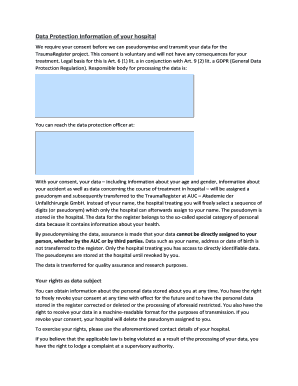
Get De Traumaregister Dgu Patient Information 2021-2026
How it works
-

Open form follow the instructions
-

Easily sign the form with your finger
-

Send filled & signed form or save
How to fill out the DE TraumaRegister DGU Patient Information online
Completing the DE TraumaRegister DGU Patient Information form online is an essential step in contributing to the quality improvement of trauma care. This guide will provide you with a concise, step-by-step approach to ensure that you fill out the form accurately and efficiently.
Follow the steps to successfully complete the form for the TraumaRegister.
- Press the ‘Get Form’ button to access the form and open it for editing.
- Begin by entering your name and first name in the designated fields at the top of the form.
- In the next available field, input your date of birth. This information is crucial for the pseudonymisation process.
- Carefully read through the Patient Information section to fully understand the purpose of the TraumaRegister and your rights as a participant.
- Indicate your consent to participate by checking the box or signing where applicable. This confirms that you have read and understood the provided information.
- If you agree to be contacted for further evaluation regarding quality of life follow-ups, make sure to mark the optional consent section.
- Finally, review the entire form for accuracy, making any necessary corrections. Once completed, you can choose to save your changes, download a copy, print, or share the form as needed.
Ensure you complete the DE TraumaRegister DGU Patient Information form online to contribute to improved medical care.
The trauma data registry captures and documents, in electronic format, information about the demographics, injury-producing incident, diagnosis and treatment, and outcome of injuries sustained by US/Non-US military and US/Non-US civilian personnel in wartime and peacetime from the point of injury (POI) to final ...