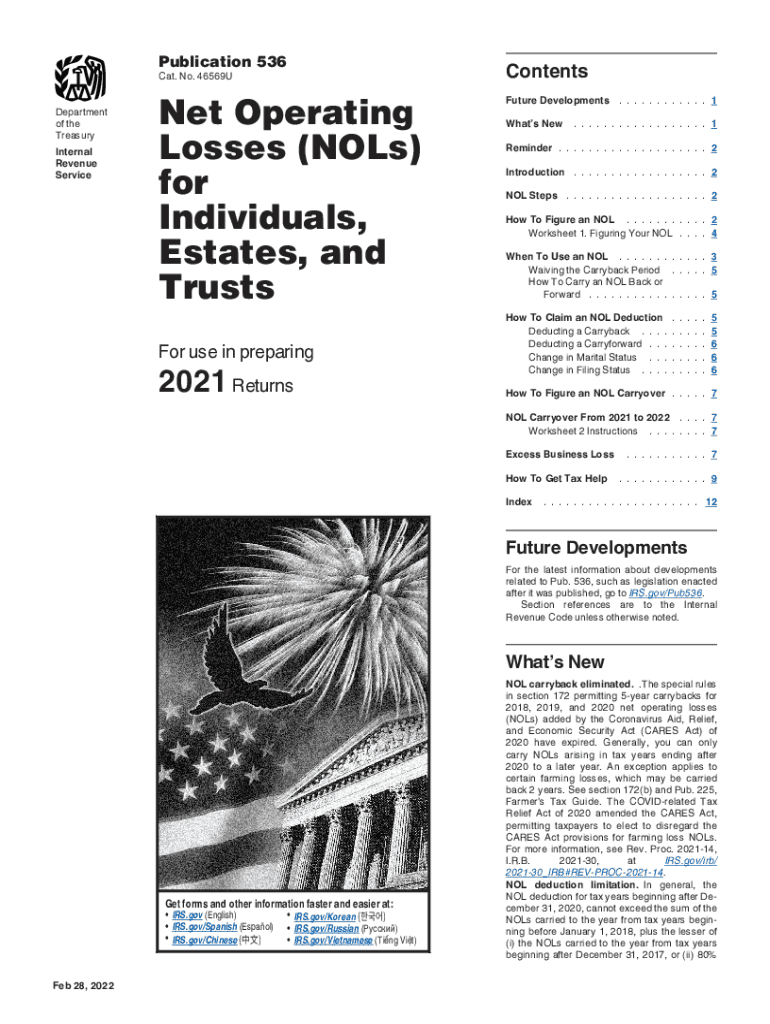
Publication 536ContentsNet Operating Losses (Vols) for Individuals, Estates, and TrustsFuture Developments. . . . . . . . . . . . 1Cat. No. 46569U Department of the Treasury Internal Revenue ServiceNow.
Loading

Open form follow the instructions

Easily sign the form with your finger

Send filled & signed form or save
How to fill out the IRS Publication 536 online
Filing your tax returns can be challenging, particularly when dealing with net operating losses (NOLs). This guide aims to simplify the process of filling out the IRS Publication 536 online, ensuring you have the necessary information to accurately report your NOL.
Follow the steps to complete the IRS Publication 536 online.
- Click ‘Get Form’ button to obtain the form and open it in your editor.
- Complete your tax return for the year to identify if an NOL exists.
- Determine the amount of your NOL by following the outlined guidelines in the publication.
- Decide whether to carry the NOL back to a past year or to carry it forward to a future year.
- Deduct the NOL in either the carryback or carryforward year as applicable.
- Calculate the amount of unused NOL and carry it to the next period as instructed.
- Once completed, you can save changes, download, print, or share the form as needed.
Start filling out your IRS Publication 536 online today to ensure accurate reporting of your net operating losses.
Experience a faster way to fill out and sign forms on the web. Access the most extensive library of templates available.
Related content
Feb 28, 2022 — Publication 536. Cat. No. 46569U. Net Operating. Losses (NOLs) for...
Jan 31, 2013 — You can use an NOL by deducting it from your income in another year or...
19 Jan 2017 — Publication 536. Cat. No. 46569U. Net Operating. Losses (NOLs) for...
Get answers to your most pressing questions about US Legal Forms API.
How many years can you carry forward business losses?
At the federal level, businesses can carry forward their net operating losses indefinitely, but the deductions are limited to 80 percent of taxable income.
What is the 80% limitation on NOLs?
The Act included a provision limiting net operating losses (NOL) incurred after Dec. 31, 2017, to 80% of taxable income rather than the historical 100%. This change was overshadowed by the Coronavirus Aid, Relief, and Economic Security (CARES) Act and eventually was delayed to tax years beginning after Dec. 31, 2020.
How do you deduct net operating loss?
NOL Steps Complete your tax return for the year. ... Determine whether you have an NOL and its amount. ... If applicable, decide whether to carry the NOL back to a past year, or to waive the carryback period and instead carry the NOL forward to a future year. ... Deduct the NOL in the carryback or carryforward year.
What is an NOL deduction and why is it allowed?
Introduction. If your deductions for the year are more than your income for the year, you may have a net operating loss (NOL). An NOL year is the year in which an NOL occurs. You can use an NOL by deducting it from your income in another year or years.
How do you calculate net operating loss deduction?
On a business expense sheet, the net operating loss is calculated by subtracting itemized deductions from adjusted gross income. If the result is a negative number, you have net operating losses. This item is displayed on line 41 on Form 1040, U.S. Individual Income Tax Return.
What is Publication 536?
If your deductions for the year are more than your income for the year, you may have a net operating loss (NOL). Publication 536 covers NOLs for individuals, estates and trusts: How to figure an NOL. When to use an NOL. How to claim an NOL deduction.
How much net operating loss can be deducted?
Net Operating Loss (NOL) Carryforward Example The full loss from the first year can be carried forward on the balance sheet to the second year as a deferred tax asset. The loss, limited to 80% of income in the second year, can then be used in the second year as an expense on the income statement.
Use professional pre-built templates to fill in and sign documents online faster. Get access to thousands of forms.
If you believe that this page should be taken down, please follow our DMCA take down process here.