Loading
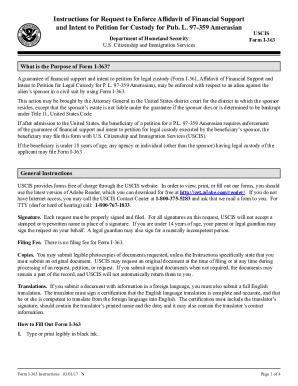
Get Dhs Uscis I-363 Instructions 2017-2026
How it works
-

Open form follow the instructions
-

Easily sign the form with your finger
-

Send filled & signed form or save
How to fill out the DHS USCIS I-363 Instructions online
This guide provides users with a detailed walkthrough on how to effectively fill out the DHS USCIS I-363 form online. Whether you are a first-time filer or need a refresher, this comprehensive guide will ensure accuracy and clarity in your submission.
Follow the steps to successfully complete your I-363 request.
- Click 'Get Form' button to access the I-363 form and open it in the editing interface.
- Type or print your responses clearly in black ink. Ensure that all answers are legible and accurate.
- If additional space is needed for any item, utilize the space provided in Part 7: Additional Information or attach a separate sheet. Ensure to include your name and Alien Registration Number (A-Number) at the top of each additional sheet.
- Answer each question thoroughly. If a question does not apply, write 'N/A.' For numeric responses that are zero, respond with 'None.'
- If applicable, provide your USCIS Online Account Number. This is assigned if you've previously used the USCIS online filing system.
- Complete Part 4 concerning the applicant's statement. Indicate if you read the form on your own or needed assistance. Include your contact information and signature.
- If an interpreter assisted you, fill in Part 5 with their details and ensure they sign the request.
- Prepare Part 6 with your preparer's contact information and signature if someone else completed the form for you.
- Once complete, review your form to ensure there are no errors before saving changes, downloading, or printing a copy for your records.
Prepare and submit your documents online today for a hassle-free experience.
On the “Pay to the Order of” line, write “U.S. Department of Homeland Security” (not “USDHS” or “DHS”). Use numerals to show the exact dollar amount of the fee for the service you are requesting. In the example, the amount is “$725.00.”