Loading
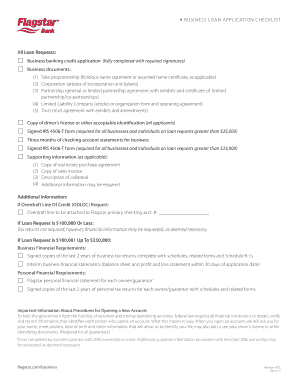
Get Flagstar Form 4506
How it works
-

Open form follow the instructions
-

Easily sign the form with your finger
-

Send filled & signed form or save
How to use or fill out the Flagstar Form 4506 online
Filling out the Flagstar Form 4506 online is an essential step for obtaining tax return transcripts. This guide offers clear, step-by-step instructions to help users, regardless of their experience level, navigate the form efficiently.
Follow the steps to fill out the Flagstar Form 4506 online:
- Click ‘Get Form’ button to obtain the form and open it in the online editor.
- Begin by entering your name as shown on your tax return. For joint returns, include the primary name first.
- Fill in the Social Security Number associated with the first name on the return.
- If applicable, provide the name and Social Security Number of your spouse (if filing jointly).
- Enter your current address, ensuring all necessary details such as apartment or suite number are included.
- If your previous address differs from the current one, list it in the appropriate field.
- Indicate if the transcript should be mailed to a third party, including their contact information.
- Select the type of transcript you are requesting from the available options, ensuring only one type is selected.
- Specify the year or period for which you are requesting the transcript using the required format.
- Sign and date the form, ensuring the signature matches the name on the requested tax return.
- Finally, save your completed form, and you may download, print, or share it as needed.
Start filling out your Flagstar Form 4506 online today to request your tax return transcripts.
I don't recognize a transaction on my account. Who do I contact? Please call Flagstar Customer Service at (888) 248-6423 during regular business hours to review the transaction with one of our representatives. If determined to be unauthorized, you will be required to complete the Unauthorized Electronic Debit Form.