Loading
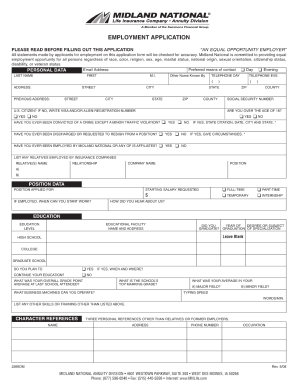
Get Midland National 2269dm 2008-2026
How it works
-

Open form follow the instructions
-

Easily sign the form with your finger
-

Send filled & signed form or save
How to fill out the Midland National 2269DM online
Filling out the Midland National 2269DM form online can be a straightforward process if approached methodically. This guide will provide you with step-by-step instructions to ensure your form is completed accurately and efficiently.
Follow the steps to complete the form with ease.
- Click the ‘Get Form’ button to access the form and open it in the designated editor.
- Begin by entering your personal information in the fields provided. Include your full name, address, and contact details, ensuring that all entries are accurate.
- Next, provide any required financial information as specified in the form. This may include income details, bank information, or other relevant financial data.
- Review any sections regarding terms, agreements, or disclosures. Ensure that you read through all information carefully and provide your acknowledgment where needed.
- Complete any additional fields or checkboxes relevant to your situation. This could include disclosures about beneficiaries or specific options related to your application.
- Finally, review all the information you have entered for accuracy. Make any necessary corrections, then proceed to save your changes, download the form, print it, or share it as required.
Start filling out your form online today for a seamless experience.
Claiming reimbursement from a national insurance provider typically involves submitting the necessary documentation required by your specific policy. Ensure you fill out all forms accurately and provide supporting evidence. Utilizing services like uslegalforms can simplify the process, ensuring you meet all requirements for a successful reimbursement claim.