Loading
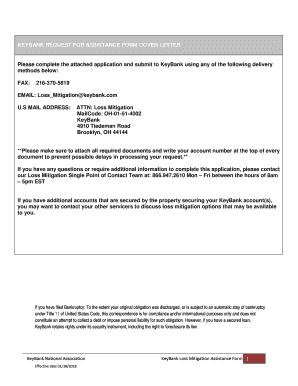
Get Keybank Request For Assistance Form Cover Letter
How it works
-

Open form follow the instructions
-

Easily sign the form with your finger
-

Send filled & signed form or save
How to fill out the KEYBANK REQUEST FOR ASSISTANCE FORM COVER LETTER online
This guide offers step-by-step instructions on how to complete the KeyBank Request for Assistance Form Cover Letter online. By following these instructions, you can ensure that your submission is accurate and complete, facilitating a smoother process for your request.
Follow the steps to successfully fill out the form.
- Press the 'Get Form' button to access the KeyBank Request for Assistance Form. Ensure you open the form in your preferred document editor.
- Begin by filling out the sections related to the borrower and co-borrower. Include full names, social security numbers, phone numbers, and email addresses. Make sure to provide the mailing address and property address as required.
- Complete Section B by indicating whether any borrower is an active duty servicemember, and provide details if applicable.
- In Section C, indicate the type of real estate product you are dealing with (e.g., mortgage, home equity line) and specify the status of the property.
- Describe your hardship in Section D. Begin with the date the hardship started, and select your current situation regarding the hardship status.
- In Section E, check the box for the primary reason for your hardship and ensure to submit any required documentation that supports your claim.
- Proceed to Section F, where you will input your monthly household income. Ensure all income sources are documented as per the requirements in Section G.
- Fill out Section H with your monthly household expenses. Be thorough and include all relevant expenses to provide a complete picture of your financial situation.
- If applicable, complete Section I regarding any other liens on your property, providing the required details.
- Section J is for short sales—provide the required information if your property is listed for sale or if you have received any offers.
- Finally, review the Borrower/Co-Borrower Acknowledgment and Agreement section. Sign and date where indicated.
- Once all sections have been filled out completely and accurately, save your changes. You can then download, print, or share your completed form as necessary.
Complete your forms online today for a seamless submission process.
Unfortunately, returned payments are often a sign that the bank is preparing to foreclose. If a bank sends back your mortgage payment, seek immediate experienced advice. If a bank returns a payment instead of cashing it, be certain not to spend the money!