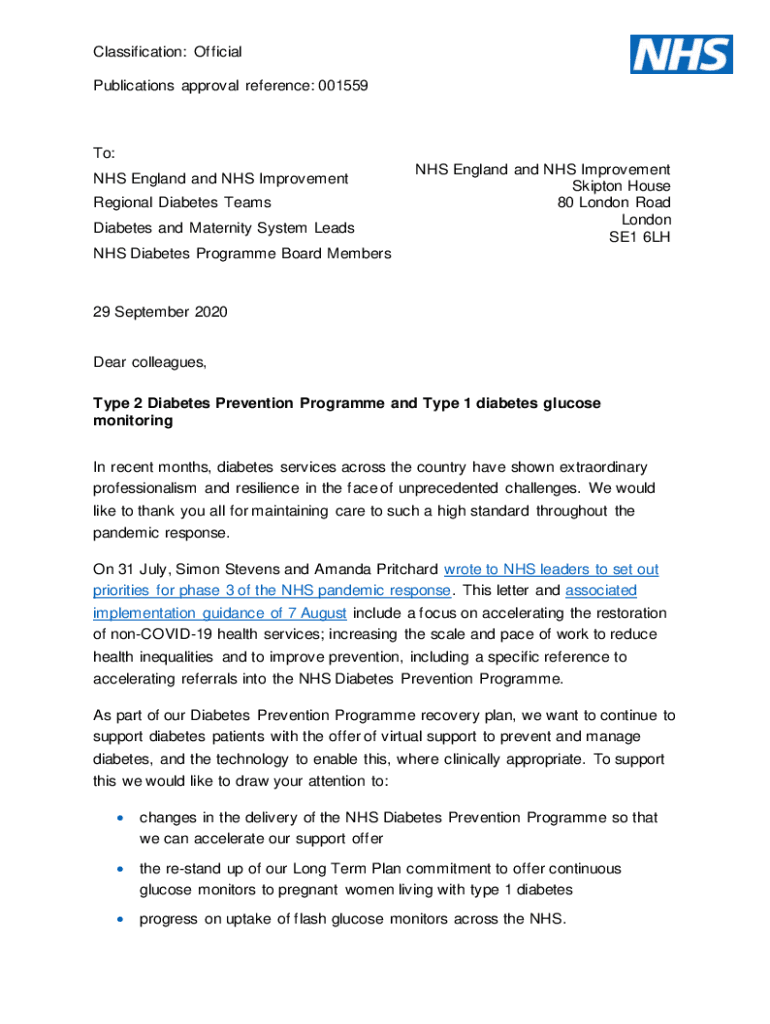
Classification: Official Publications approval reference: 001559To: NHS England and NHS Improvement Regional Diabetes Teams Diabetes and Maternity System LeadsNHS England and NHS Improvement Skipton.
Loading

Open form follow the instructions

Easily sign the form with your finger

Send filled & signed form or save
How to fill out the Editable NHS Letter online
This guide provides you with a comprehensive overview of how to effectively fill out the Editable NHS Letter online. By following the outlined steps, you will ensure that all necessary information is accurately captured.
Follow the steps to complete the Editable NHS Letter online.
- Click the ‘Get Form’ button to access the Editable NHS Letter and open it in the online editor.
- Begin by entering the recipient's information. This includes addressing the letter to the relevant NHS department or team, such as NHS England and NHS Improvement, along with their full address.
- Date the letter appropriately by selecting the correct date format. This should reflect the day on which the letter is being sent.
- In the salutation section, greet the recipients appropriately (e.g., 'Dear colleagues'). This creates a professional opening to your correspondence.
- Compose the body of the letter, ensuring to clearly articulate the purpose of your message. Provide context and any necessary background information regarding the topic of your communication.
- Reference any relevant programs, initiatives, or changes that the readers should be aware of, such as the Diabetes Prevention Programme, ensuring to include critical details that pertain to their operations.
- Conclude the letter with an appreciation statement or a call to action, encouraging the recipients to address the issues or initiatives highlighted in the letter.
- Sign the letter at the end, including your name and title. This adds a personal touch and confirms the authorship of the letter.
- Review the document for accuracy and completeness, ensuring all sections are filled correctly prior to finalizing the letter.
- Once completed, you can save your changes, download the letter, print it, or share it with the intended recipients as needed.
Start filling out your Editable NHS Letter online to ensure effective communication.
Experience a faster way to fill out and sign forms on the web. Access the most extensive library of templates available.
Related content
This page contains editable versions of documents, worksheets, and other forms referenced...
Below is a sample reference letter that can be used when asked to write a reference letter...
send a bi-lingual appointment letter with the standard appointment letter. ... an editable...
Get answers to your most pressing questions about US Legal Forms API.
Where can I find NHS letter?
How to view your digital letter We'll send you a text message (and email if requested) when you have a new digital letter to view online. Click 'View letter' and log in with your last name, date-of-birth and postcode. View and download your new digital letter online as a PDF.
What is an example of a medical letter to a patient?
I am writing on behalf of my patient, [Patient Name], to document the medical necessity to treat their [Diagnosis] with [Product Name]. This letter serves to document my patient's medical history and diagnosis and to summarize my treatment rationale. Please refer to the [List any Enclosures] enclosed with this letter.
How do I write a patient appointment letter?
Doctor's Appointment Letter to Patient The date that the doctor's appointment creative letter to patient was made. The name of the patient. The name of the attending doctor. The basic information of the hospital where the doctor works for. The medical condition of the patient that is needed to be addressed.
What is an official appointment letter?
What is an appointment letter? An appointment letter is a formal document that a hiring manager uses to present a candidate with a job offer and outline the aspects of the role.
How to read NHS letters online?
We'll send you a text message or email when you have a new letter to view online. Follow the NHS.my link to go to your letter, click View letter. Enter your last name, date of birth and postcode. To log into our secure patient portal, check you're happy with the privacy policy and click "I accept" to continue.
Can I get a letter from the NHS?
You can use this service to get a letter sent to you in the post showing your coronavirus (COVID-19) status. There are 2 letters: 1 letter is for travel abroad.
How do I write a doctor appointment?
Both doctor's appointment and doctor appointment are acceptable for describing a medical visit.
What is a letter of appointment example?
Appointment Letter Sample #2 Dear (Name), I'd like to take a moment to thank you for your exceptional interview and our most recent conversation. As a result of this, (company name) is delighted to offer you the position (position name) beginning on (date).
Use professional pre-built templates to fill in and sign documents online faster. Get access to thousands of forms.
If you believe that this page should be taken down, please follow our DMCA take down process here.