Loading
Get Melaleuca Cancellation Form
How it works
-

Open form follow the instructions
-

Easily sign the form with your finger
-

Send filled & signed form or save
How to fill out the Melaleuca Cancellation Form online
Filling out the Melaleuca Cancellation Form online is a straightforward process that allows you to easily cancel your Preferred Customer membership. This guide provides you with step-by-step instructions to ensure that the form is completed accurately.
Follow the steps to complete the Melaleuca Cancellation Form online.
- Press the ‘Get Form’ button to obtain the Melaleuca Cancellation Form and open it in your chosen editor.
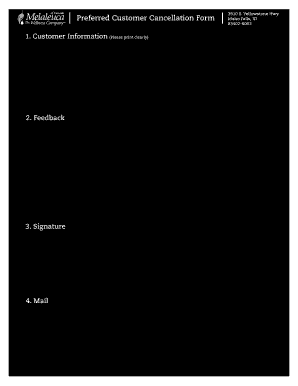
- Enter your customer information clearly in the designated fields. Begin with your Melaleuca customer number, followed by your telephone number, first name, middle initial, last name, complete address, city, province, and postal code.
- In the feedback section, select one of the provided reasons for your cancellation by checking the appropriate box. If your reason is not listed, you can write it in the space provided.
- Sign the form where indicated, acknowledging your cancellation of the Preferred Customer Agreement. Ensure that you also enter the date of the signature. If applicable, a spouse can also sign to validate the cancellation and should include their signature and date.
- Keep in mind that the completed form must be mailed or faxed to Melaleuca Customer Service at the address provided: 3910 S. Yellowstone Hwy, Idaho Falls, ID, 83402-6003, or sent via fax to (888) 528-2090.
- Once all necessary fields are filled out and the form is signed, you can save any changes made, as well as download, print, or share the form as needed.
Be sure to complete and submit your Melaleuca Cancellation Form online today.
Can you pause a Melaleuca membership? Write a note requesting your account be put on hold and sign, date, and put your phone number on it. Take a picture with the app and hit send. Your account will be put on hold until you wish to restart.