Loading
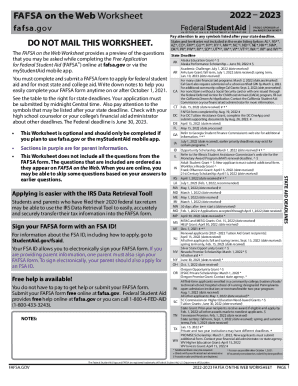
Get Ed Fafsa On The Web Worksheet 2022-2026
How it works
-

Open form follow the instructions
-

Easily sign the form with your finger
-

Send filled & signed form or save
How to fill out the ED FAFSA On The Web Worksheet online
Filling out the ED FAFSA On The Web Worksheet is an essential step for accessing federal student aid. This guide provides clear instructions on how to complete each section of the worksheet to ensure you have all necessary information ready for your FAFSA submission.
Follow the steps to efficiently complete the worksheet.
- Click ‘Get Form’ button to obtain the form and open it in the online editor.
- Begin by entering your student information, including your last name, first name, and Social Security number. Indicate your citizenship status by checking the appropriate box.
- Next, specify your marital status by selecting the appropriate option and indicate if you are registered with the Selective Service, if applicable.
- In the dependency status section, check any boxes that apply. If you check any, you will not need to provide parent information. If none apply, you will proceed to provide information about your parents.
- Fill in the parent information section. This includes names, Social Security numbers, and the highest education level completed by each parent. If necessary, check the box if either parent is a dislocated worker.
- Provide financial information, including your parents' adjusted gross income from the tax return if applicable. Answer additional questions regarding any benefits received.
- Similarly, complete the student information section, providing your financial details and any applicable untaxed income mentions.
- Review all the information you have provided to ensure its accuracy and completeness.
- Once you have completed the form, you can save your changes, download, print, or share the worksheet as necessary.
Start completing your ED FAFSA On The Web Worksheet online today.
What information is required to fill out the FAFSA® form? bank statements and records of investments (if applicable); records of untaxed income (if applicable); and. an account username and password (FSA ID) so you can electronically sign the FAFSA form.