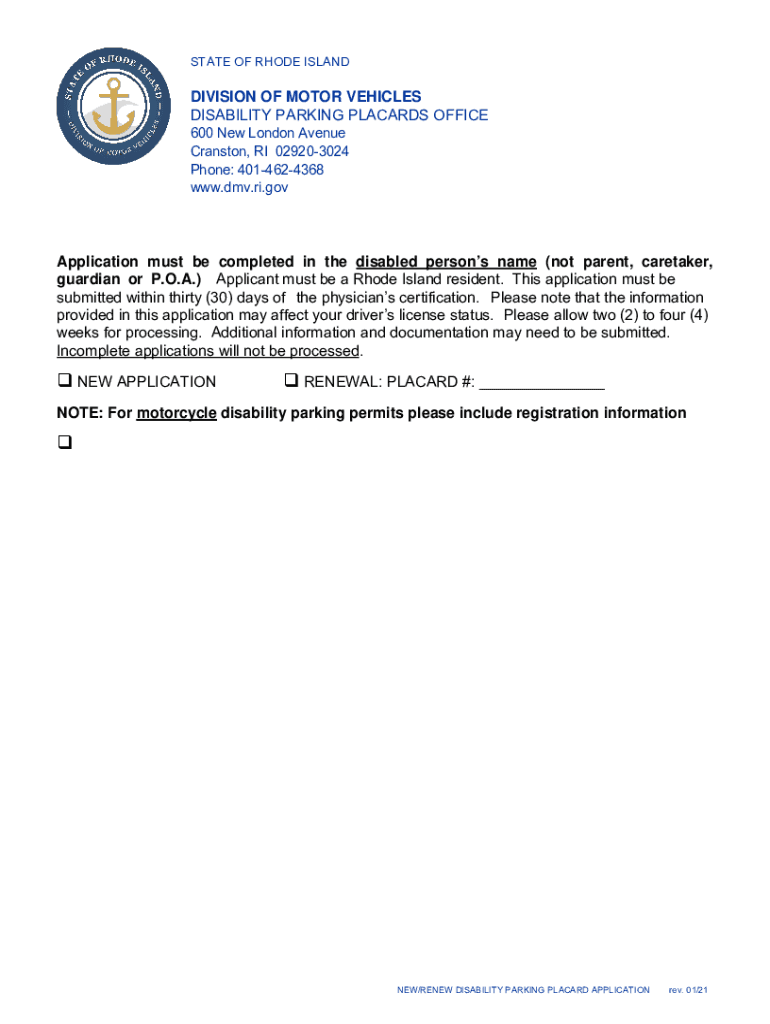
STATE OF RHODE ISLANDDIVISION OF MOTOR VEHICLES DISABILITY PARKING PLACARDS OFFICE 600 New London Avenue Cranston, RI 029203024 Phone: 4014624368 www.dmv.ri.govNEW/RENEWAL DISABILITY PARKING PLACARD.
Loading

Open form follow the instructions

Easily sign the form with your finger

Send filled & signed form or save
How to fill out the Ri Dmv Forms - Site-stats.org online
Filling out the Ri DMV Forms for obtaining or renewing a disability parking placard is a straightforward process, but it requires attention to detail. This guide will help you understand each section of the form to ensure a smooth application experience.
Follow the steps to complete the application form effectively.
- Click the ‘Get Form’ button to access the application form online and open it in the editor.
- Begin by selecting whether you are submitting a new application or a renewal by checking the relevant box.
- Fill out the applicant's personal information, including last name, first name, middle initial, gender, and date of birth.
- Provide the residence address and, if applicable, a mailing address. Be sure to include the city/town and zip code.
- Enter a current telephone number where you can be reached.
- Indicate your Rhode Island driver’s license or state ID number by checking the appropriate box.
- Sign and date the application in the designated space, authorizing the physician to release medical records as needed.
- Take the application to your physician for completion of the reverse side and ensure they certify your medical condition meets the required criteria.
- Once the physician has completed their section, review the form for any missing information before submission.
- Save your changes, and you can download, print, or share the completed form as needed.
Complete the necessary forms online today for a hassle-free application process.
Experience a faster way to fill out and sign forms on the web. Access the most extensive library of templates available.
Related content
All forms supplied by the Division of Motor Vehicles are in Adobe Acrobat (PDF) format. If...
Furnish proof that you are now a Rhode Island resident. Present your Social Security card...
FEE: For a complete listing of motor vehicle fees, refer to Form MV-70S, "Bureau of Motor...
Get answers to your most pressing questions about US Legal Forms API.
What documents do I need to renew my license in RI?
To renew your Rhode Island driver's license, bring your current license and a completed Driver's License Renewal form or the License/ID/Permit Application (LI-1). If your current license is lost, refer to the third page of the License/ID/Permit Application (LI-1) for a list of acceptable documents to bring with you.
How to renew Rhode Island driver's license online?
To renew online, access Official State if Rhode Island Online Service. Complete your application online. Pay the fee of $61.50 by card. Your license renewal request will be processed within 3 business days. Your new license will be sent to the address on file within 60 days.
What documents are required for Rhode Island DMV?
A valid, unexpired U.S. passport; A certified copy of a birth certificate filed with a. ... A Consular Reportof Birth Abroad (CRBA) issued by. ... A valid, unexpired Permanent Resident Card. ... An unexpired Employment Authorization Document. ... An unexpired foreign passport with a valid,
What counts as proof of residency in RI?
A personal check or bank statement with the applicant's name and address of residence dated within the past sixty (60) days; A payroll check with the applicant's name and address of residence dated within the past sixty(60) days; A lease agreement currently in effect.
What documents do I need for a real ID in RI?
These include a document to prove your identity (such as a birth certificate or passport that has not been expired or renewed within the past six months), provide proof of Social Security Number (social security number on the form, or a letter issued by the Social Security Administration stating that the applicant is ...
Can I go to RI DMV without appointment?
If you require a temporary credential with your photo on it then an in-person reservation is required.
How much is a state ID in Rhode Island?
ID Fees CategoryTransactionFeeState IDState ID Duplicate (age 59 and older, no fee)$27.50 *checks are not acceptedState IDState ID Renewal (age 59 and older, no fee)$27.50 *checks are not acceptedState IDState ID Update (age 59 and older, no fee)$27.50 *checks are not accepted1 more row • Jun 9, 2023
Does ri DMV require appointments?
Permit tests are offered at the DMV office in Cranston by appointment. To find available times, visit .dmv.ri.gov and look for the blue reservation bar on the home page.
Use professional pre-built templates to fill in and sign documents online faster. Get access to thousands of forms.
If you believe that this page should be taken down, please follow our DMCA take down process here.