Loading
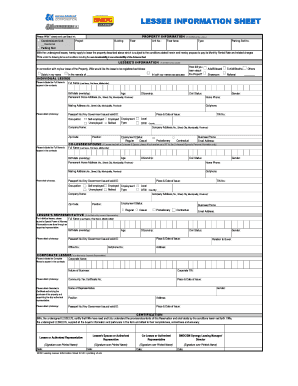
Get Lessee Information Sheet
How it works
-

Open form follow the instructions
-

Easily sign the form with your finger
-

Send filled & signed form or save
How to fill out the Lessee Information Sheet online
Completing the Lessee Information Sheet online is an essential step for securing a lease on a property. This guide provides you with clear, step-by-step instructions to help you accurately fill out each section of the form with confidence.
Follow the steps to successfully complete the form.
- Click ‘Get Form’ button to obtain the form and open it in the editor.
- Begin by entering the property information, including the unit number, floor area, project name, building, and floor. Ensure to write clearly and use black ink.
- Indicate the type of unit and the parking slot number, if applicable.
- In the lessee's information section, state how you wish the lease to be registered: solely in your name, in the names of others, or as spouses.
- Complete the individual lessee details, providing your full name, citizenship, cell phone number, and employment status.
- Fill out the co-lessee or spouse information, if applicable, by providing the same required details as outlined for the individual lessee.
- If applicable, complete the lessee's representative section, ensuring to provide their full name, date of birth, and other requested information.
- If filing under a corporate entity, provide the corporate name, nature of business, TIN, and attach required documentation.
- Review all entered information for accuracy before proceeding to the certification section. Ensure that all parties involved sign and date the form.
- Once everything is complete, save changes, download, print, or share the form as needed.
Complete your Lessee Information Sheet online today to ensure a smooth leasing process.
The term "lessee" can refer to individuals or businesses that rent or lease a variety of different types of property, including real estate, vehicles, and equipment. In a lease agreement, the lessee is responsible for paying the agreed-upon rent or lease payments to the lessor in exchange for the use of the property.