Loading
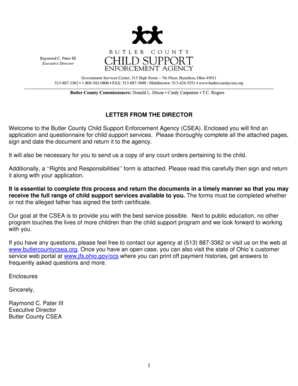
Get Butlercountycsea
How it works
-

Open form follow the instructions
-

Easily sign the form with your finger
-

Send filled & signed form or save
How to fill out the Butlercountycsea online
Filling out the Butler County Child Support Enforcement Agency (CSEA) application and questionnaire can be an important step in securing child support services. This guide will provide you with clear and comprehensible steps to successfully complete the form online.
Follow the steps to effectively complete the Butlercountycsea form.
- Click ‘Get Form’ button to obtain the form and open it in your preferred document editor.
- Begin by entering your personal details in the designated fields. This includes your name, address, date of birth, and Social Security number. Ensure all information is accurate and complete.
- Next, indicate the child support services you are requesting. You can select from options such as establishment of paternity, establishment or adjustment of child support and medical support orders, and enforcement of support orders.
- Carefully read the 'Rights and Responsibilities' section, then sign and date the document to confirm your understanding and agreement.
- Fill out the information about each child listed in the application. Provide complete details such as their names, dates of birth, and any other requested information. Remember to include copies of birth certificates for each child.
- Complete the sections related to both parents, ensuring that you provide as much relevant detail as possible about their whereabouts, employment status, and income.
- Once you have filled out all applicable fields, review the document thoroughly for accuracy and completeness. Ensure that all necessary copies of supporting documentation are attached.
- Finally, save your changes, download, print, or share your completed form as necessary. Ensure that it is returned to the Butler County CSEA in a timely manner.
Complete the Butlercountycsea document online today to access much-needed child support services.
You can check your payments 24 hours a day/ 7 days a week by calling the interactive Voice Response System (IVR) at 1-800-860-2555 or on the web portal at http://jfs.ohio.gov/ocs.