Loading
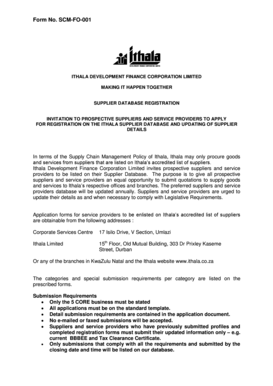
Get Ithala Database Registration Forms
How it works
-

Open form follow the instructions
-

Easily sign the form with your finger
-

Send filled & signed form or save
How to fill out the Ithala Database Registration Forms online
The Ithala Database Registration Forms are essential for prospective suppliers and service providers seeking inclusion in Ithala's accredited supplier database. This guide will provide step-by-step instructions to assist users in completing the form accurately and comprehensively online.
Follow the steps to complete your registration online.
- Click ‘Get Form’ button to obtain the form and open it for editing.
- Complete Section A: General Information. Fill in the trading name, registered name, contact details, business addresses, and tax information. Be thorough and accurate to avoid any processing delays.
- Proceed to Section B: Confirmation of B-BBEE Status. Provide previous business names (if applicable) and answer questions regarding the ownership structure and relationship with other enterprises.
- Navigate to Section C: Supplier Profile. Here, provide information about previous contracts, financial history, technical qualifications, and compliance with safety and environmental standards.
- In Section D: Declaration of Interests, answer all questions about any connections to Ithala employees or directors and legal proceedings involving your business.
- Complete the Declaration at the end of the form by signing it with your full name, capacity, and the date. Ensure that the signatory is authorized.
- Review the form thoroughly for completeness. Ensure all necessary documentation is attached, such as tax clearance certificates and BBBEE certificates.
- Save your changes, download a copy for your records, print the form if necessary, or share it as needed prior to submission.
Start your application today by filling out the Ithala Database Registration Forms online.