Loading
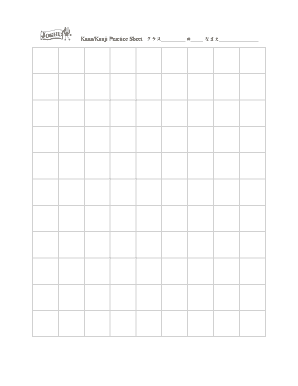
Get Kana/kanji Practice Sheet##
How it works
-

Open form follow the instructions
-

Easily sign the form with your finger
-

Send filled & signed form or save
How to fill out the Kana/Kanji Practice Sheet## online
This guide provides a comprehensive overview of how to effectively fill out the Kana/Kanji Practice Sheet## online. It aims to assist users at all levels with clear, step-by-step instructions tailored to their needs.
Follow the steps to successfully complete the Kana/Kanji Practice Sheet## online.
- Click the ‘Get Form’ button to access the Kana/Kanji Practice Sheet## and open it within the online editor.
- Locate the section labeled ‘クラス’ (class). Enter the appropriate class information in the designated field.
- Find the section labeled ‘なまえ’ (name). Input your name clearly in the provided space.
- Proceed to any additional sections as required by your teacher or institution. Fill out these fields with the necessary information.
- Once all required fields have been completed, review your entries to ensure accuracy and completeness.
- After confirming that all information is correct, you can save your changes, download the document, print it, or share it as needed.
Take the next step and complete your Kana/Kanji Practice Sheet## online today!