Loading
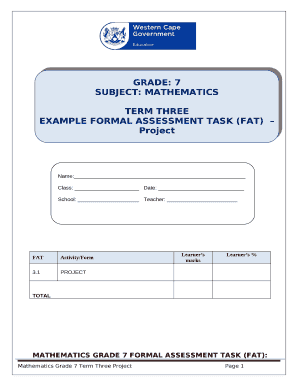
Get Formal Assessment Tasks Grade 7
How it works
-

Open form follow the instructions
-

Easily sign the form with your finger
-

Send filled & signed form or save
How to fill out the Formal Assessment Tasks Grade 7 online
This guide is designed to help users navigate and complete the Formal Assessment Tasks for Grade 7 math projects online. It provides clear and supportive instructions for each component of the form to ensure a smooth filing experience.
Follow the steps to successfully complete your assessment tasks.
- Press the ‘Get Form’ button to download the document and open it in your chosen editor.
- Fill in your name, class, date, school, and teacher’s name at the top of the form, ensuring that all fields are completed accurately.
- Read the project instructions carefully. Make sure you understand what is being asked before attempting to answer each question.
- Answer all questions as stated in the project requirements. Check that your answers are in accordance with any calculations requested.
- Utilize a calculator if needed, ensuring to show all calculations as specified in the task guidelines.
- Double-check your answers for accuracy and completeness before concluding your project.
- Submit the completed project by the deadline specified by your teacher. You may choose to save changes, download, print, or share the form if necessary.
We encourage you to complete your Formal Assessment Tasks online for a seamless submission process.
Related links form
It involves four steps: generating and collecting evidence of achievement; evaluating this evidence; recording the findings and using this information to understand and thereby assist the learner's development in order to improve the process of learning and teaching.