Loading
Get Wotc Instructions/fax Cover Sheet
How it works
-

Open form follow the instructions
-

Easily sign the form with your finger
-

Send filled & signed form or save
How to fill out the WOTC Instructions/Fax Cover Sheet online
Filling out the WOTC Instructions/Fax Cover Sheet is an essential step for employers to participate in the Work Opportunity Tax Credit program. This guide provides clear, step-by-step instructions to help users complete the form conveniently online.
Follow the steps to fill out the WOTC Instructions/Fax Cover Sheet online.
- Press the ‘Get Form’ button to access the WOTC Instructions/Fax Cover Sheet and open the document in the editing interface.
- Review the information provided at the top of the form, ensuring you understand the purpose of the WOTC program. This section clarifies that all information will remain confidential and will not impact your employment or financial status.
- In the section labeled 'Before The Call', ensure you have all necessary WOTC forms ready. Note the toll-free number available for queries.
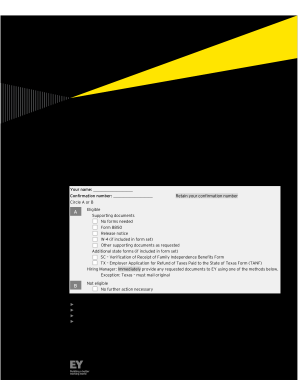
- Fill in your name and confirmation number in the indicated fields after the call with an EY representative.
- Choose either 'A' or 'B' to indicate your eligibility for the program. If selecting 'A', provide any supporting documents as required.
- Complete the fields regarding the job applicant's details, including their name, social security number, and contact information.
- Check the applicable boxes related to the applicant’s eligibility criteria directly in the form.
- Ensure the applicant signs and dates the form, confirming the truthfulness of the information provided.
- Follow the tips for faxing, such as enlarging documents and reviewing copies before faxing.
- Save any changes made to the document. You can download, print, or share the completed form as needed, ensuring to send it to the designated EY processing center.
Complete your WOTC Instructions/Fax Cover Sheet online today for a smooth submission process.
The employer and the job seeker must complete the Pre-Screening Notice and Certification Request for the Work Opportunity Tax Credits, IRS Form 8850 and sign under penalty of perjury, attesting that the job seeker is a member of a target group.