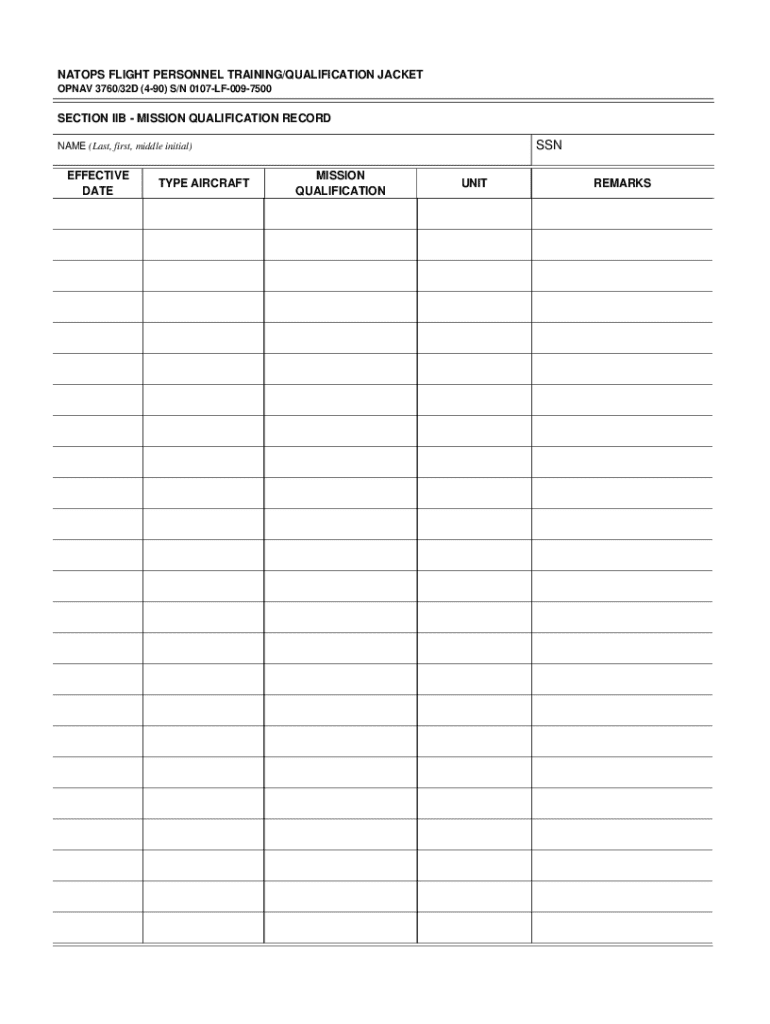
U.S. DOD Form dod-opnav-3760-32d NATOPS FLIGHT PERSONNEL TRAINING/QUALIFICATION JACKET OPNAV 3760/32D (4-90) S/N 0107-LF-009-7500 SECTION IIB - MISSION QUALIFICATION RECORD SSN NAME (Last, first,.

Open form follow the instructions

Easily sign the form with your finger

Send filled & signed form or save
How to fill out the Opnav 3760 32b online
Filling out the Opnav 3760 32b form online can seem challenging, but with the right guidance, you can navigate it easily. This guide provides step-by-step instructions to help users complete the form accurately and efficiently.
Follow the steps to successfully fill out the Opnav 3760 32b online.
- Press the ‘Get Form’ button to access the Opnav 3760 32b form and open it in your online editor.
- Begin with Section IIB - Mission Qualification Record. Input the Social Security Number (SSN) in the designated field.
- Fill in the name field using the format: Last name, First name, Middle initial.
- Enter the effective date for the qualification record in the specified format, ensuring it is current and accurate.
- Indicate the type of aircraft associated with the mission qualification by selecting or entering the appropriate details.
- Provide the mission qualification status, detailing the level of qualification achieved.
- Complete the unit field by specifying the user's current unit of assignment.
- In the remarks section, add any additional comments or information relevant to the qualification record.
- Once all fields are completed, you can save your changes, download the form, print it for your records, or share it as needed.
Complete your documents online with confidence today!
Experience a faster way to fill out and sign forms on the web. Access the most extensive library of templates available.
Related content
*32B. Bands; Waste and Wire Tray Desk Baskets; Blotters; Pape ... MS 3760. CA 701-75-62...
AVIATORS FLIGHT LOG BOOK, OPNAV 3760/31 ........................ 10-23 ... Part D shall...
Use professional pre-built templates to fill in and sign documents online faster. Get access to thousands of forms.
If you believe that this page should be taken down, please follow our DMCA take down process here.