Loading
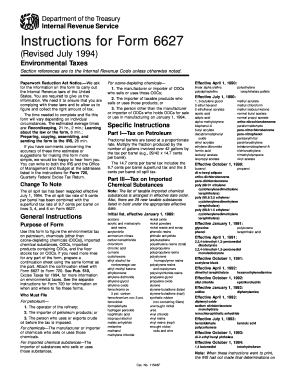
Get Instructions For Form 6627. Environmental Taxes
How it works
-

Open form follow the instructions
-

Easily sign the form with your finger
-

Send filled & signed form or save
How to fill out the Instructions For Form 6627. Environmental Taxes online
This guide provides comprehensive and user-friendly instructions on how to fill out the Instructions For Form 6627 related to environmental taxes. Whether you are new to this process or seeking clarification, this resource is designed to ensure a smooth online filing experience.
Follow the steps to complete the form effectively.
- Press the ‘Get Form’ button to access the form and open it in your preferred editor.
- Review the general instructions provided to understand the purpose of the form and identify if you are required to file according to your role, such as a refinery operator, importer, or manufacturer.
- Proceed to Part I to calculate the tax on petroleum. Ensure to accurately enter the amount and fractions of petroleum involved in your submission.
- If applicable, navigate to Part III to report taxes on imported chemical substances. Reference the list to ensure that all chemical substances are correctly identified.
- In Part IV, accurately indicate the tax on ozone-depleting chemicals as required. You may need to select the appropriate election regarding your mixture use.
- For Part V, document any imported taxable products containing ozone-depleting chemicals, ensuring precise records of ODC weight and tax application according to the product specifications.
- If applicable, complete Part VI, which deals with the tax on floor stocks of ozone-depleting chemicals, confirming weight and quantity.
- After filling out all relevant sections, review your entries for accuracy. Users can then save changes, download, print, or share the completed Form 6627 as needed.
Complete your environmental tax forms online for a seamless experience.
Once you find your local office, see what services are available. Then, call 844-545-5640 to schedule an appointment.