Loading
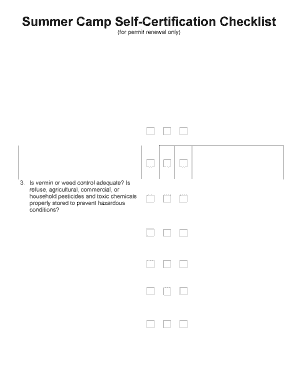
Get Ny Dcr 20 2014
How it works
-

Open form follow the instructions
-

Easily sign the form with your finger
-

Send filled & signed form or save
How to fill out the NY DCR 20 online
Completing the NY DCR 20 online can seem daunting, but this guide breaks down each section to make the process simpler and more manageable. Whether you have legal experience or not, these clear steps will help you navigate the form with confidence.
Follow the steps to fill out the NY DCR 20 online effectively.
- Press the ‘Get Form’ button to access the document and open it in your editing interface.
- Start by entering your unique Record ID# at the top of the form to identify your submission clearly.
- Fill in the Camp Name, Camp Address, Borough, and Zip Code in the designated fields to specify the camp location.
- Answer each question in the categories provided by checking 'Yes', 'No', or 'N/A' as applicable. Make sure to refer to the related section of the New York City Health Code (NYCHC) listed for guidance.
- For every item you check as 'No', provide a detailed explanation of the unsatisfactory conditions and the corrective actions you have implemented.
- Review your responses to ensure accuracy and completeness, addressing each point outlined in the document.
- Once you have completed the form, save your changes. You may then either download, print, or share the completed form as needed.
Start filling out the NY DCR 20 online today to ensure your camp meets all necessary requirements.
Get form
Experience a faster way to fill out and sign forms on the web. Access the most extensive library of templates available.
Get This Form Now!
Use professional pre-built templates to fill in and sign documents online faster. Get access to thousands of forms.