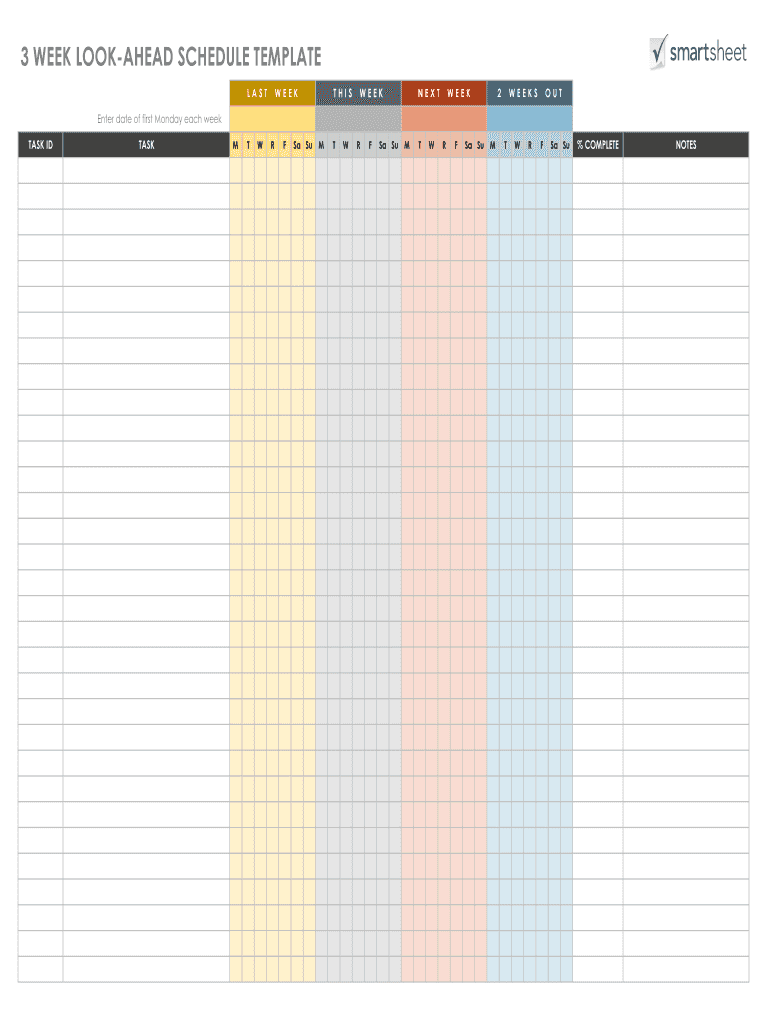
3 WEEK LOOKAHEAD SCHEDULE TEMPLATE LASTWEEKTHISWEEKNEXTWEEK2WEEKSOUTEnter date of first Monday each week TASK IDTASKMTWRFSa Su MTWRFSa Su MTWRFSa Su MTWRFSa Su% COMPLETENOTESDISCLAIMERAny articles,.
Loading

Open form follow the instructions

Easily sign the form with your finger

Send filled & signed form or save
How to fill out the 3 Week Look Ahead Template online
The 3 Week Look Ahead Template is an essential tool for project management, allowing users to effectively plan and visualize tasks over a three-week period. This guide will provide clear, step-by-step instructions on how to fill out the template online, ensuring a smooth and efficient process.
Follow the steps to complete the template effortlessly.
- Press the ‘Get Form’ button to access the template and open it in your editor.
- Enter the date of the first Monday for the current week in the designated space at the top of the form.
- Fill in the 'Task ID' field with a unique identifier for each task, allowing for easy tracking.
- In the 'Task' field, describe the specific task to be completed during the three weeks, ensuring clarity for all users.
- Each row includes columns for days of the week. Allocate tasks to respective days (Monday through Sunday) by marking the appropriate boxes.
- Indicate the percentage of completion for each task in the '% Complete' column to provide an overview of progress.
- Utilize the 'Notes' section to add any relevant comments or additional information regarding the tasks.
- Once all fields are completed, save your changes, and choose to download, print, or share the filled template as needed.
Start completing your 3 Week Look Ahead Template online today for effective project planning.
Experience a faster way to fill out and sign forms on the web. Access the most extensive library of templates available.
Related content
A very easy to use Excel and Google Sheets cloud-based construction field schedule that...
by L Song · Cited by 14 — A look-ahead schedule should be developed based on the most...
Look through this page, Template talk:Did you know, to find a nomination you ... Jo-Jo...
Get answers to your most pressing questions about US Legal Forms API.
How to set up time-boxed look-ahead views in MS-Project ® using ...
Look ahead meetings should last 45 minutes to 1 hour. All trades that have work being performed on site should be in attendance. By using pull plans to feed look ahead sessions, teams plan with much better detail and set realistic start dates for their activities.
Two Week Look-Ahead Schedule - AWCI
Look ahead meetings should last 45 minutes to 1 hour. All trades that have work being performed on site should be in attendance. By using pull plans to feed look ahead sessions, teams plan with much better detail and set realistic start dates for their activities.
What is a look ahead schedule?
The look-ahead guides manpower planning for a specific period of time. When used in conjunction with the schedule, you can pre-determine task accomplishment. Beat Labor Budgets. By converting labor hours into man-days. or man-weeks, production can be closely monitored.
3 week-look-ahead-schedule - SIS
The purpose of the two week look-ahead schedule is to plan labor activities and goals for the next two weeks. The focus is on the overall project schedule provided by the general contractor and the job site schedule you received from your project manager.
How often are look ahead schedules updated?
It is made prior to the project start date. The lookahead schedule is usually generated on a weekly basis and is much more detailed than the project schedule. It usually looks at the current week of work and then the next two to three weeks, beyond the current week.
What is a 3 week look ahead schedule?
3 week-look-ahead-schedule. Created in Excel, the 3 week look ahead schedule list all just completed, in progress, and upcoming activities for last week with actual start and completion dates, this week and the next 2 weeks. All significant activities and resources should be included.
The Lookahead Schedule and 90/60/30 | SJ Construction ...
To set up a custom filter in MS-Project 2016, select View, and in the Data group in the drop-down that appears next to the Filter item, select New Filter right near the bottom. Call it something Tasks due to start or finish in the next 28 days and set up the dialogue box like the figure below, then click on Save.
Use professional pre-built templates to fill in and sign documents online faster. Get access to thousands of forms.
If you believe that this page should be taken down, please follow our DMCA take down process here.