Loading
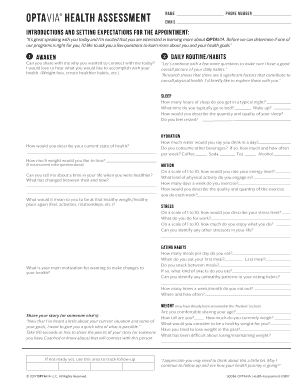
Get Optavia Health Assessment
How it works
-

Open form follow the instructions
-

Easily sign the form with your finger
-

Send filled & signed form or save
How to fill out the Optavia Health Assessment online
Filling out the Optavia Health Assessment is an essential step towards understanding your health goals and how the Optavia program can assist you. This comprehensive guide will provide clear and detailed instructions on how to complete the assessment online, ensuring you have a smooth and supportive experience.
Follow the steps to effectively complete the Optavia Health Assessment.
- Click the ‘Get Form’ button to access the Optavia Health Assessment and open it for completion.
- Begin by entering your name, phone number, and email address in the designated fields. These details will help establish a means of communication for your health journey.
- In the introductions section, reflect on your health goals. Take a moment to articulate why you have chosen to complete this assessment and what you hope to achieve.
- Next, share significant details regarding your weight history and any health considerations. These questions are essential to understand your background and provide the best options moving forward.
- Complete the assessment by including personal contact information and opting into any suggested communications or programs. This may include support groups or follow-up check-ins.
- Finally, review the form for accuracy. Once satisfied, utilize the options to save changes, download, print, or share the completed assessment.
Take the first step towards your health transformation by completing the Optavia Health Assessment online today.
It's as simple as this: Eat 4 Fuelings + 2 lean and green meals + 1 healthy snack* Eat six times daily, once every two to three hours.